About Cap
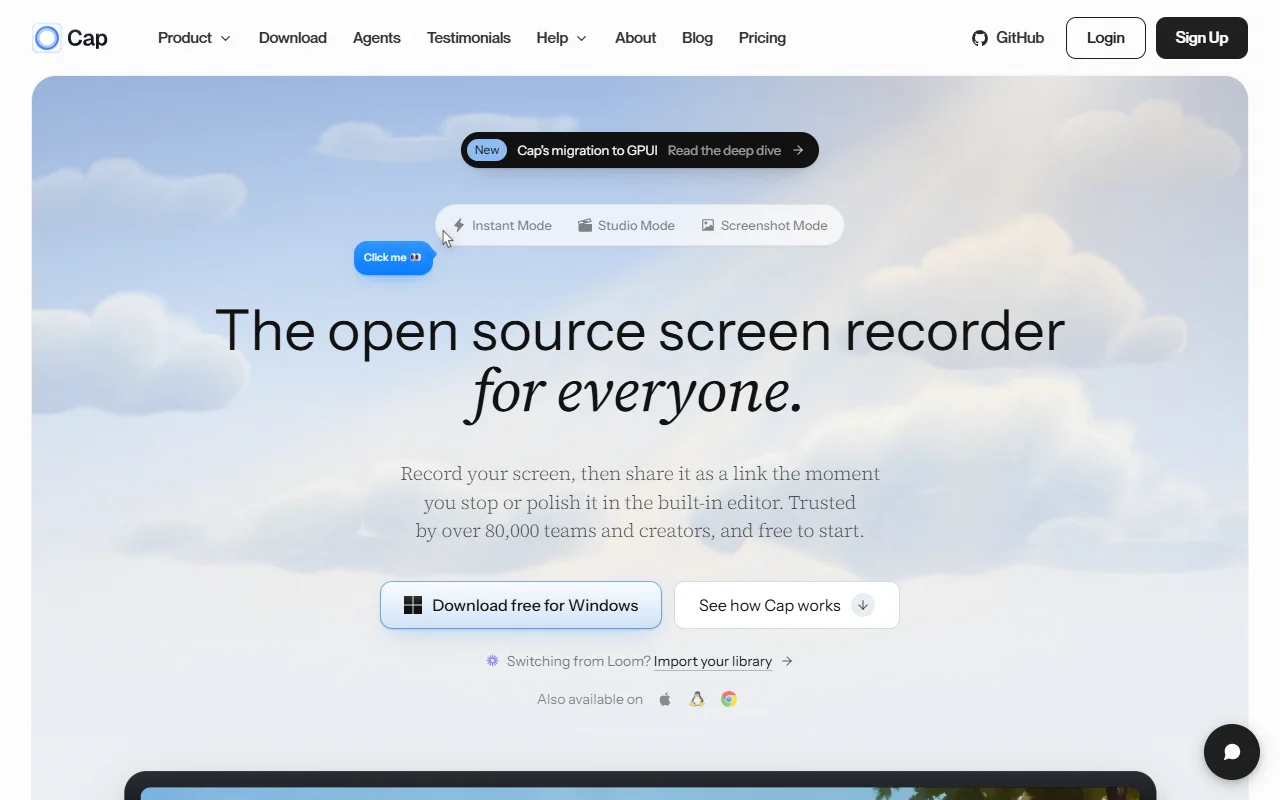
Cap is a screen recorder for Windows, macOS and Linux that can share a recording as a link. It has an instant mode for quick clips and a studio mode for edited videos.
What it does
Instant mode uploads while you record, so the share link is ready as soon as you stop. Studio mode is for more polished recordings that you edit in the built-in editor. A screenshot mode captures still images. Recordings can include your camera, microphone and system audio, and the site also offers an import path for libraries from other recording tools.
Key features
- Instant mode with a share link
- Studio mode with a built-in editor
- Screenshot mode for still images
- Camera, microphone and system audio
- Import option for libraries from Loom
Who it's for
Teams and creators who send quick walkthroughs or bug reports and want viewers to watch in a browser without an account. It also suits people who want an open source alternative to hosted recording tools.
Pricing and good to know
Cap is described as free to start, and its site has a pricing page for paid options. The project is open source and its code is on GitHub. It is available for Windows, macOS and Linux, and recordings shared by link are watched in the browser.
Highlights
- Instant mode uploads while recording
- Studio mode with a built-in editor
- Screenshot mode for still images
- Records camera, microphone and system audio
- Imports a library from another recorder