About Tango
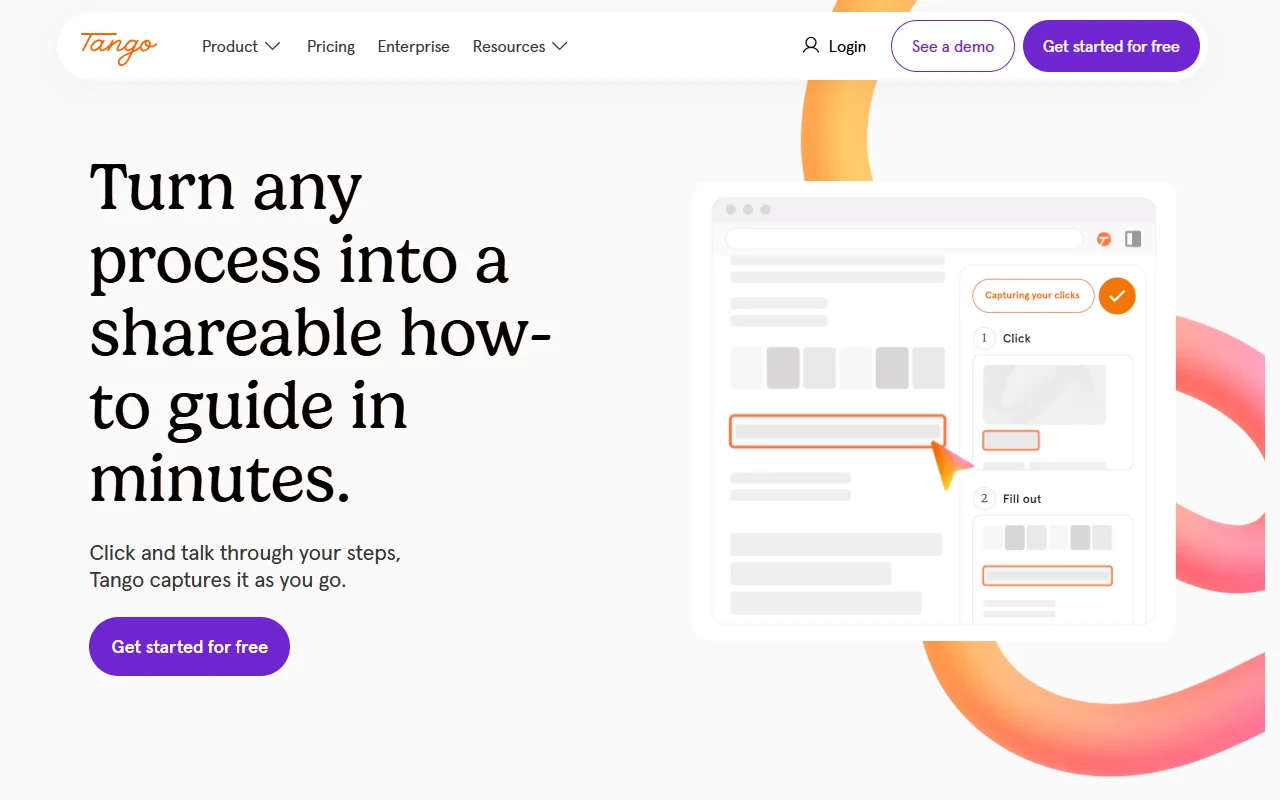
Tango is a tool for recording a workflow and turning it into a shareable guide. It creates screenshots, highlights and step descriptions as you click through a process.
What it does
You start a recording, complete the task in your web app, and Tango builds a step-by-step guide from what you did. Each step can include a screenshot, a highlight and a written description. You can share the guide as a link, export it to PDF or embed it in another page. Voice transcription can also turn spoken explanations into written steps.
Key features
- Captures clicks as step-by-step guides
- Screenshots and highlights for each step
- Voice transcription into written steps
- Share by link, PDF or embed
- Works across most web tools
Who it's for
Tango suits operations, HR and training teams who onboard staff or document processes. It is a good fit for companies that write many how-to guides and standard operating procedures, and for managers who want a faster way to show people how a task is done.
Pricing and good to know
Tango offers a free option to get started, along with enterprise plans for larger organizations. Specific pricing is listed on the website. It works in a web browser, so the tools you want to document need to run there. Guides are only as clear as the steps you record, so it helps to record each process once in a clean state.
Highlights
- Captures clicks as step-by-step guides
- Screenshots and highlights for each step
- Voice transcription into written steps
- Share by link, PDF or embed
- Works across most web tools