
About Shottr
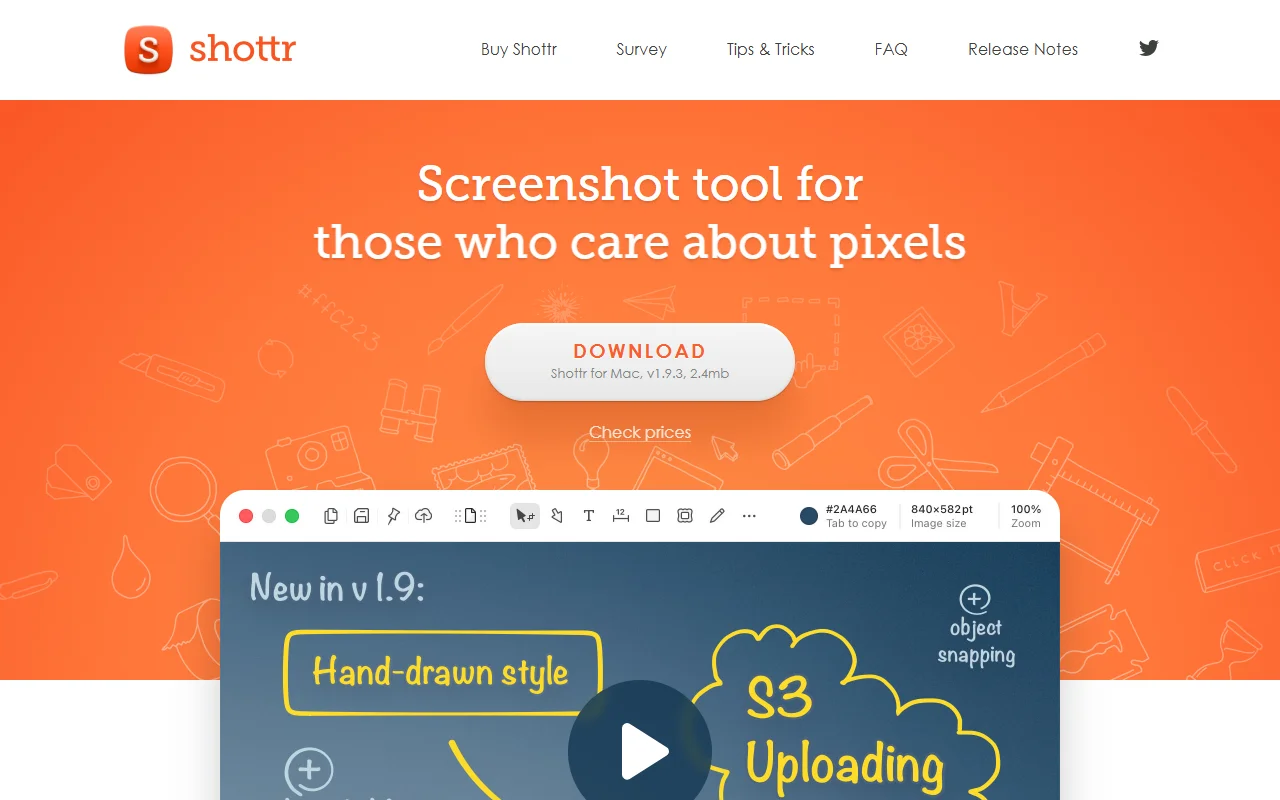
Shottr is a screenshot app for macOS built for speed. It captures a selected area quickly and opens an editor where you can mark it up before saving or sharing.
What it does
Shottr captures a selected area or a long scrolling page, then gives you tools for text, arrows, highlights, blur and pixelation. Its text recognition reads text from any area you select and copies it to the clipboard, and it can also read QR codes. You can pin screenshots as floating windows, and a screen ruler measures distances in pixels.
Key features
- Scrolling screenshots of long pages
- Annotation tools and pixelation
- Text recognition and QR code reading
- Pin screenshots as floating windows
- Screen ruler and pixel zoom
Who it's for
Designers, front-end engineers, mobile developers and anyone who often shares screenshots and needs to hide sensitive details. It suits people who care about small visual details in their work.
Pricing and good to know
The app is described on its site as free, and a Buy Shottr page covers the paid options. It is a native app for macOS, optimized for Apple silicon, and it is a small download. Features such as scrolling capture work with any app or window, which makes it handy for chat conversations as well as web pages.
Highlights
- Captures long scrolling pages
- Adds annotations, blur and pixelation
- Copies text from an area with OCR
- Pins screenshots as floating windows
- Measures pixels with a screen ruler