
About asciinema
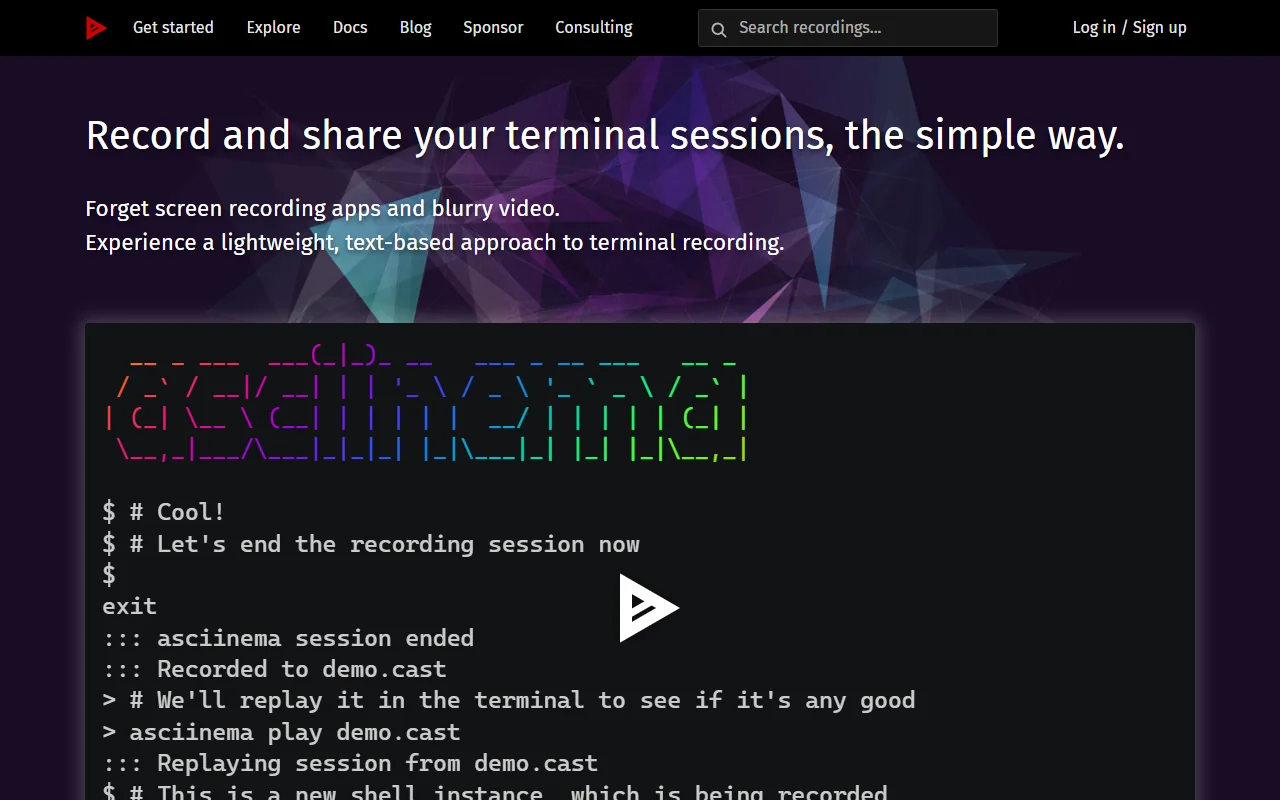
asciinema is a free and open source tool for recording terminal sessions. Recordings are stored as text, so they stay small and can be replayed in a terminal or on the web.
What it does
You start a recording with a single command in your shell, work as you normally would, and stop with exit or Ctrl+D. The result can be replayed in the terminal or in the web player, and the player can be embedded in blog posts, project documentation or conference slides. Because the recording is text, viewers can pause it and copy the commands or output they need.
Key features
- Record a shell session with one command
- Replay recordings in the terminal
- Embed the web player in pages
- Copy text from a paused recording
- Browse public recordings online
Who it's for
asciinema suits developers, educators and conference speakers who want to show command line work. It is a lightweight alternative to recording a screen video of a terminal, and it fits anyone who needs readers to be able to copy the commands from a demo.
Pricing and good to know
asciinema is open source under the GPL 3.0 license and free to use. The recording tool runs in a terminal on your own computer. The website also lists a sponsor option and consulting services for teams that want more help. Because recordings are text, some full screen programs may not look the same when replayed.
Highlights
- Record a shell session with one command
- Replay recordings in the terminal
- Embed the web player in pages
- Copy text from a paused recording
- Browse public recordings online