
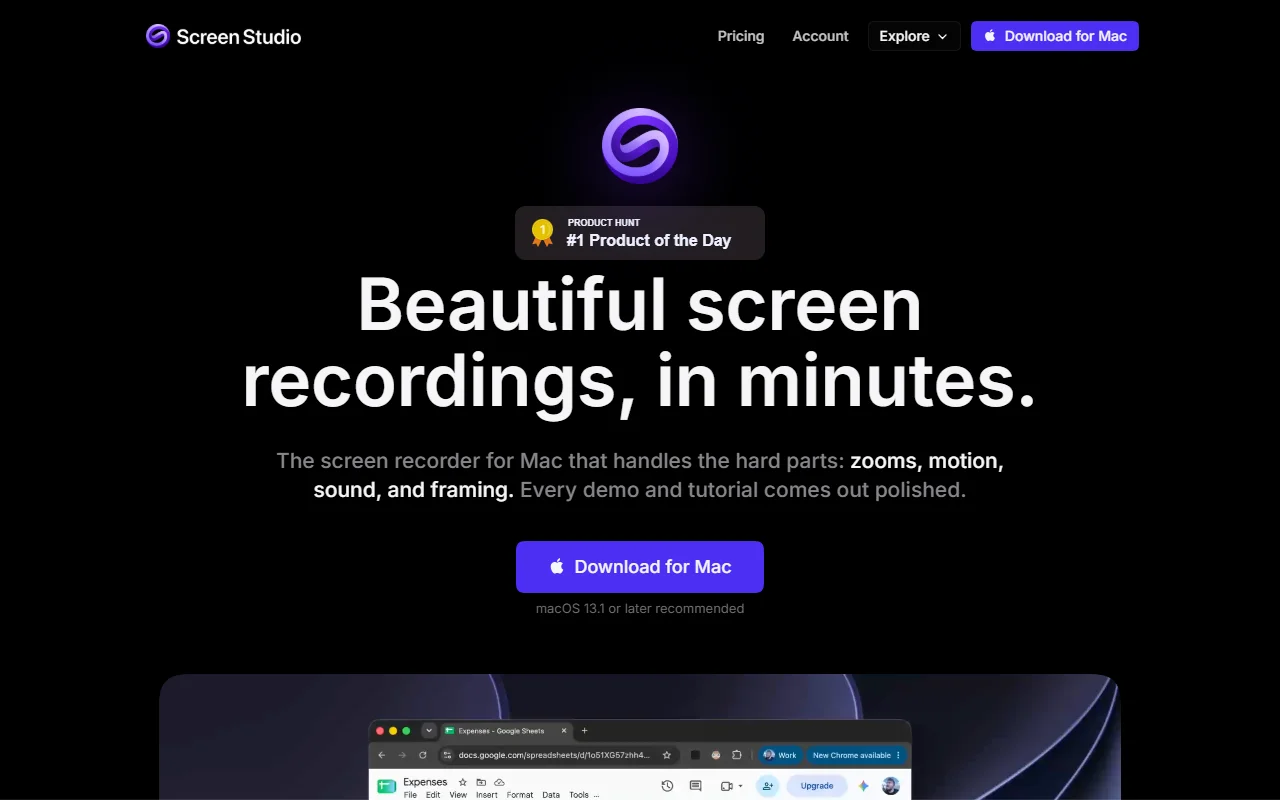
About Screen Studio
Screen Studio is a screen recorder for macOS that makes product demos, tutorials and courses look polished. It handles zooms, cursor motion and framing for you, so the result needs little editing.
What it does
You record your screen, and the app adds zooms on the moments that matter, such as where you clicked. Cursor movement is smoothed and the frame is laid out automatically, so a webcam never covers the pointer. You can change the background, padding and rounded corners, and the editor lets you adjust zoom segments on a timeline.
Key features
- Automatic zoom based on clicks and actions
- Smooth cursor movement
- Background, padding and rounded corners
- Webcam support during recording
- Real-time upscaling for zoomed areas
Who it's for
Product teams, course creators, developers and marketers who make screen videos for tutorials and social posts. It suits people who want a good-looking result without spending long hours on manual editing.
Pricing and good to know
Screen Studio is a paid Mac app, sold with subscription management and an educational discount listed on its site. The download page recommends macOS 13.1 or later. An affiliate program is also available for people who promote the product.
Highlights
- Adds automatic zooms based on clicks
- Smooths cursor movement during recording
- Sets background, padding and rounded corners
- Records a webcam without covering the cursor
- Adjusts zoom segments on a timeline