About OBS Studio
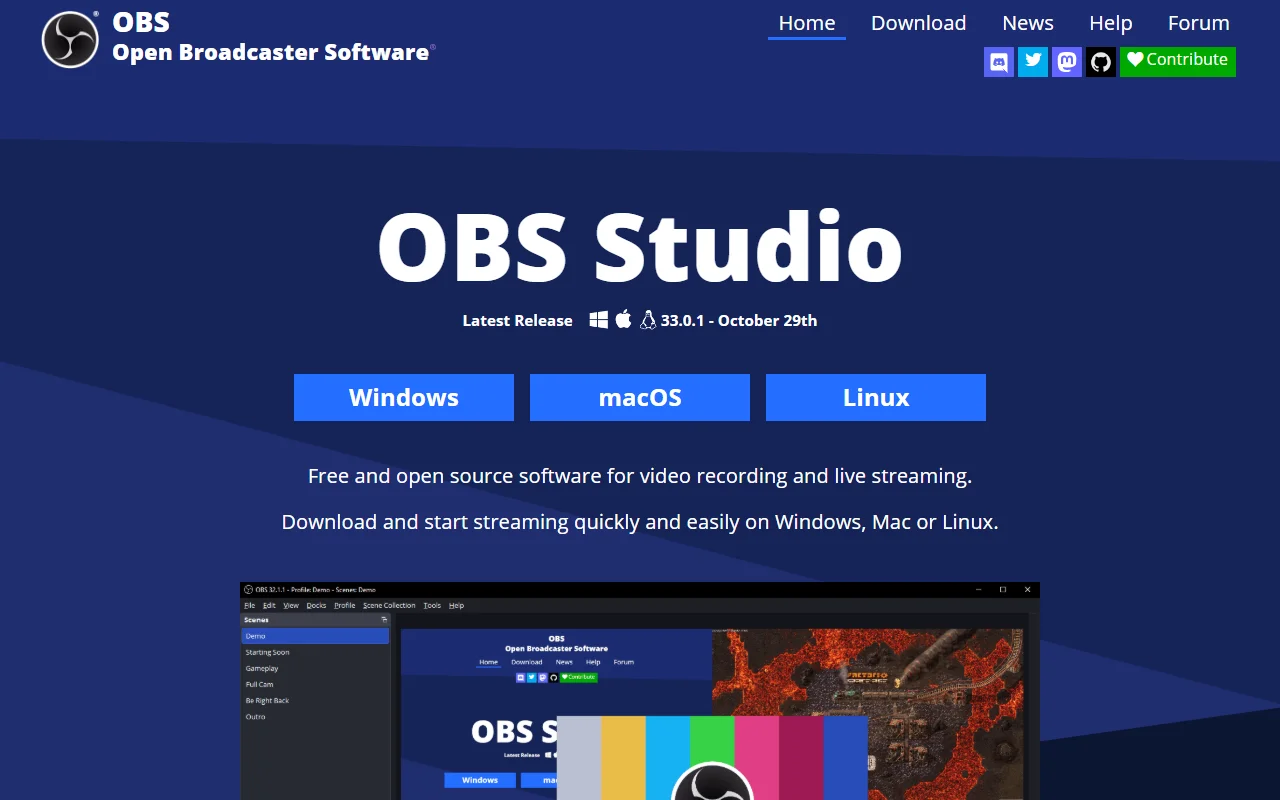
OBS Studio is free and open source software for video recording and live streaming. It runs on Windows, macOS and Linux and works with many streaming services.
What it does
OBS combines scenes made from sources such as window captures, images, text, browser windows and webcams. You can switch between scenes with custom transitions, adjust audio with per-source filters such as a noise gate and noise suppression, and set hotkeys for starting or stopping a stream or recording. Studio Mode lets you preview scenes before they go live, and the Multiview shows several scenes at once.
Key features
- Scenes built from multiple sources
- Audio mixer with noise gate and filters
- Custom transitions between scenes
- Studio Mode for previewing changes
- Hotkeys for streaming and recording actions
Who it's for
OBS suits streamers, gamers, educators and video creators who want full control over their broadcasts and recordings. It is a good match for anyone who records tutorials or live shows and needs flexible layouts, and for people who want to work with several capture sources in one place.
Pricing and good to know
OBS Studio is free and open source under the GPL 2.0 license, and the project is supported by sponsors and backers. It supports Windows 10 and 11, macOS 13 or newer, and Linux. Building good scenes and encoding settings takes some practice, and high quality output depends on the power of your computer.
Highlights
- Scenes built from multiple sources
- Audio mixer with noise gate and filters
- Custom transitions between scenes
- Studio Mode for previewing changes
- Hotkeys for streaming and recording