About Flameshot
Flameshot is a free, open source screenshot tool for Windows, macOS and Linux. It lets you mark up a capture before you save or share it.
What it does
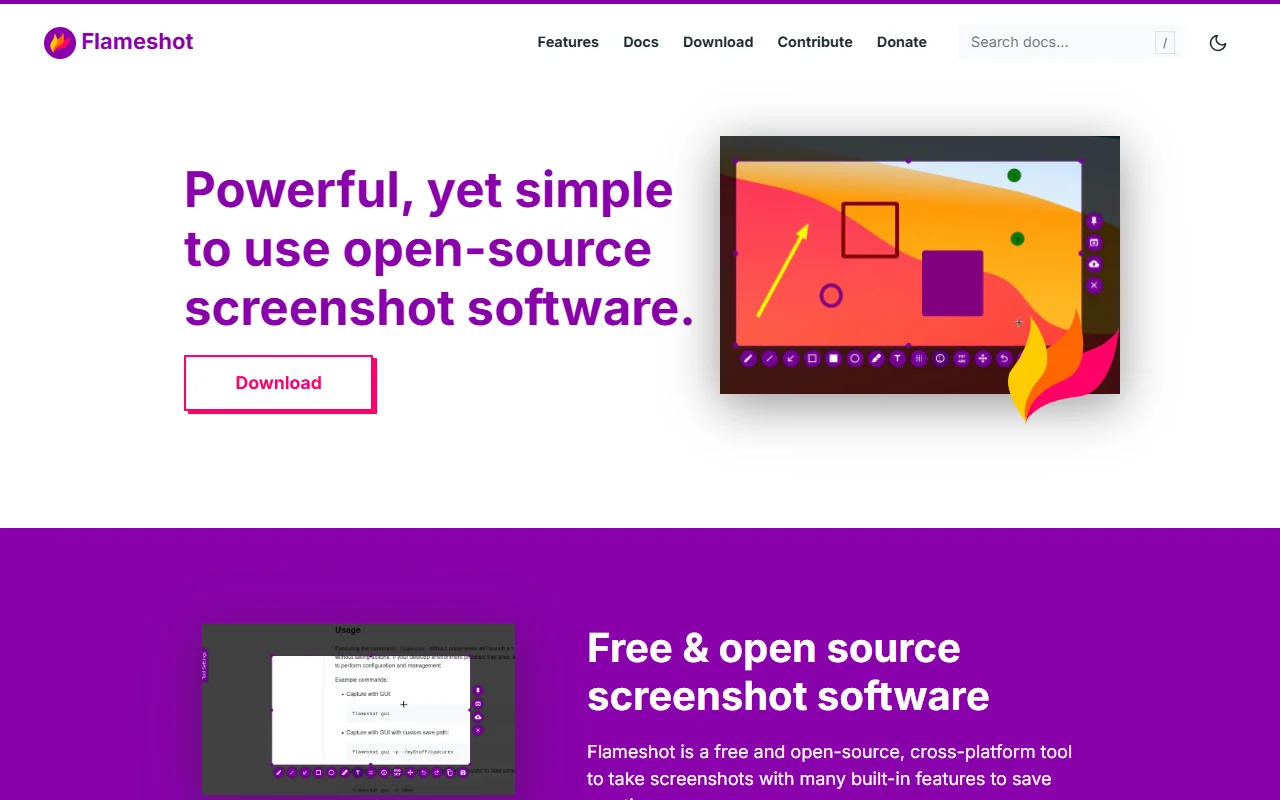
You select an area of the screen, and Flameshot opens an on-screen editor. You can add arrows, text, blurred or pixelated areas, highlights, shapes and numbered counters. It also has a command line interface, so you can script captures or attach them to keyboard shortcuts. The settings dialog lets you change the interface colors, shortcuts and how images are saved.
Key features
- Arrows, text, shapes and highlights
- Blur or pixelate sensitive areas
- Numbered counters for steps
- Command line interface for scripts
- Settings for shortcuts and save options
Who it's for
Flameshot suits developers, support staff and writers who often need to annotate screenshots before they send them. It is also a good option for anyone who wants an open source alternative to the capture tools that come with their operating system.
Pricing and good to know
Flameshot is free and open source under the GPL 3.0 license. Windows builds are 64-bit only, and you can choose an installer or a portable version. Builds for macOS and Linux are listed on the download page. The project accepts donations and sponsors to support its development.
Highlights
- Arrows, text, shapes and highlights
- Blur or pixelate sensitive areas
- Numbered counters for steps
- Command line interface for scripts
- Settings for shortcuts and save options