About Git Town
Git Town is a command line tool that turns multi-step Git branch work into short, repeatable commands. It is designed for teams that share a central repository on hosts such as GitHub, GitLab or Bitbucket.
What it does
Git Town packages common workflows, such as syncing a feature branch, shipping a branch or proposing a change for review, into simple commands. It also helps when something goes wrong during a sync, with commands to continue, skip or undo. Branch relationships are stored, so Git Town knows which branch a feature was started from.
Key features
- Sync branches with their parent branch
- Ship a finished branch in one command
- Stacked changes across several branches
- Undo the last Git Town command
- Works with GitHub, GitLab, Bitbucket and Gitea
Who it's for
Git Town suits developers who use Git every day and want consistent branch habits across a team. It also fits teams that work on stacked changes and want fewer manual steps.
Pricing and good to know
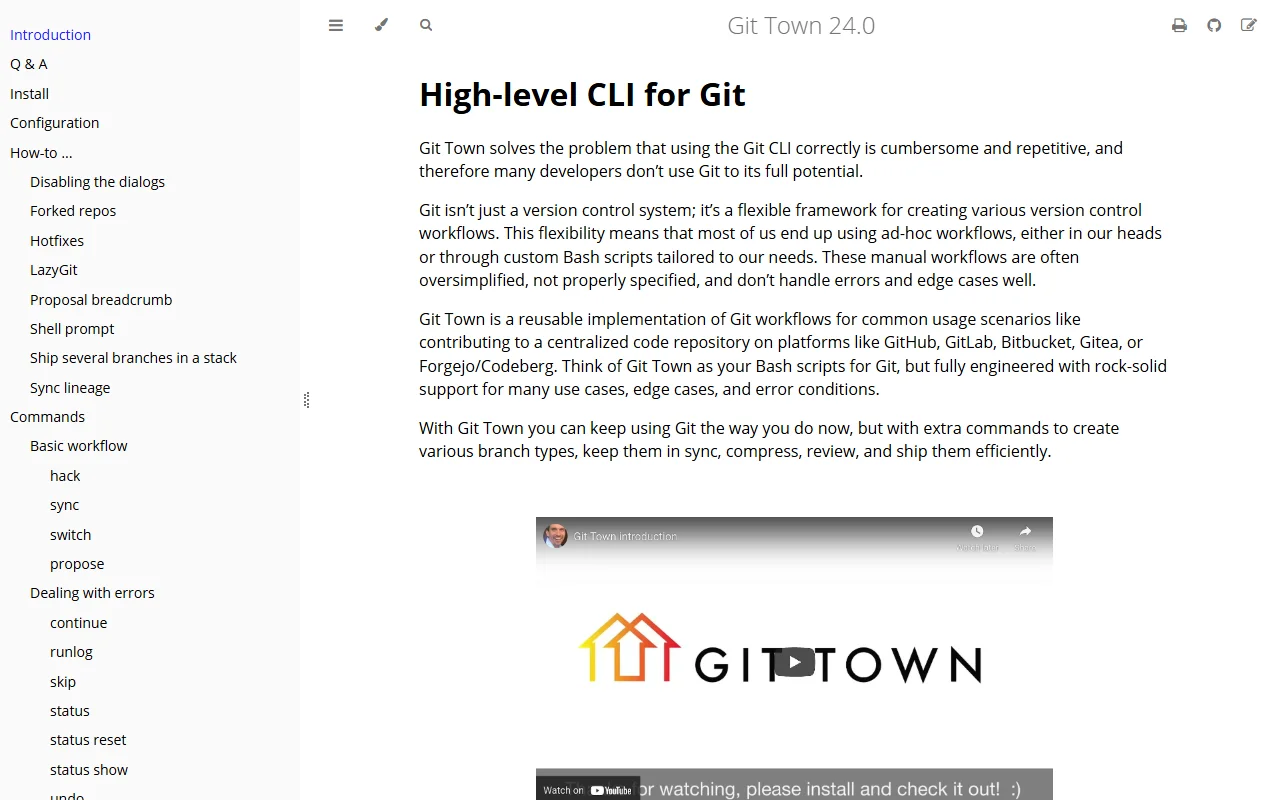
The project is open source under the MIT license and free to use. It runs from the terminal, so it fits best with developers who are comfortable with the command line. The user manual covers configuration, hotfixes and integration with tools such as LazyGit.
Highlights
- Syncs a branch with its parent branch
- Ships a finished branch with one command
- Manages stacked changes across several branches
- Undoes the last Git Town command
- Works with GitHub, GitLab, Bitbucket and Gitea