About GitKraken
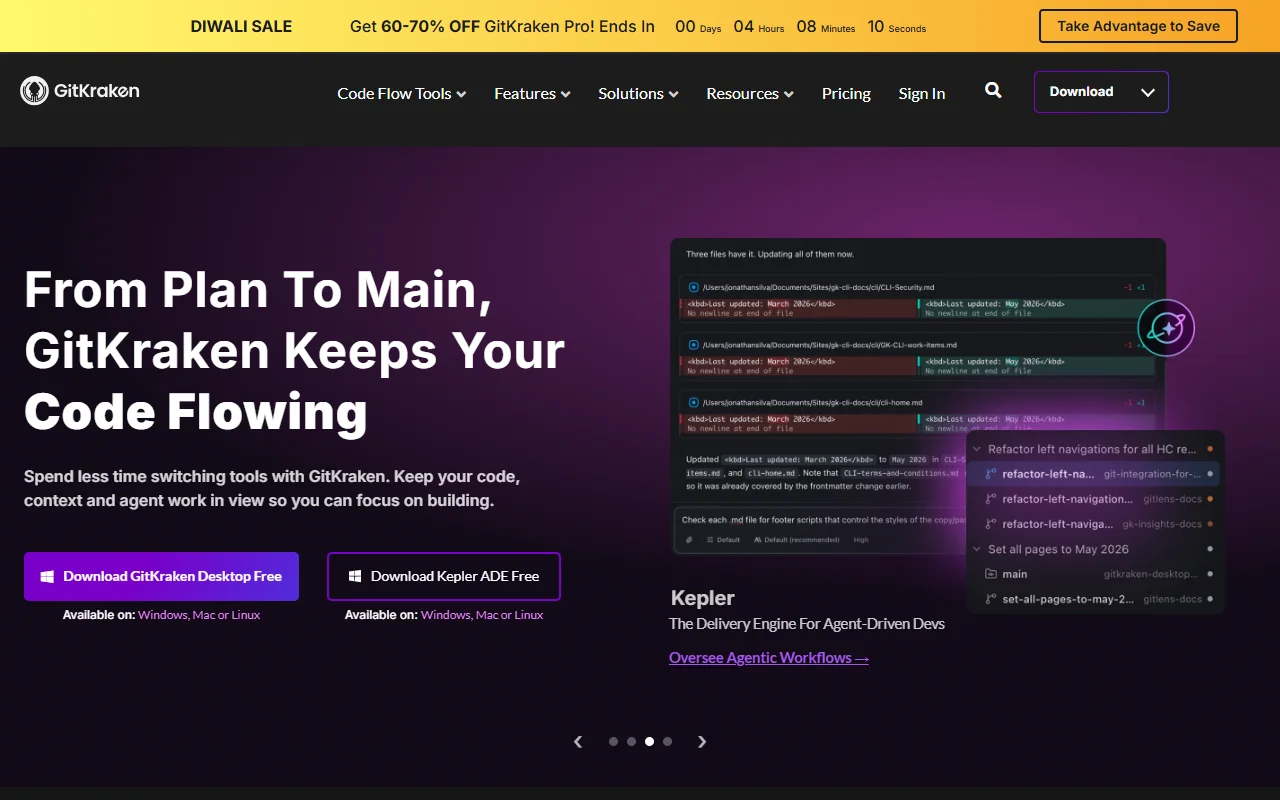
GitKraken is a visual Git client for the desktop, with Git integrations for code editors and Jira. It shows branches, commits and conflicts in a graphical view instead of requiring you to work only from the command line.
What it does
GitKraken Desktop shows your repository as a visual graph of branches and commits. You can manage branches and resolve conflicts from the same window. GitLens brings similar history and authorship views into supported code editors, and a Git integration for Jira connects development activity with issue tracking.
Key features
- Visual graph of branches and commits
- Visual view for merge conflicts
- GitLens extension for VS Code
- Git integration for Jira
- Desktop app for Windows, Mac and Linux
Who it's for
GitKraken suits developers who find the command line hard to follow and want a visual overview. It also fits teams that work across desktop tools, code editors and issue trackers and want fewer context switches.
Pricing and good to know
A free desktop app is available for Windows, Mac and Linux, and a paid Pro plan is offered for more features. Plan details and feature limits are on the pricing page, so check it for current information before you choose a plan.
Highlights
- View branches, commits and conflicts as a graph
- Resolve merge conflicts in a visual view
- See Git history inside VS Code with GitLens
- Connect Git activity with Jira issues
- Run the desktop app on Windows, Mac or Linux