
About SmartGit
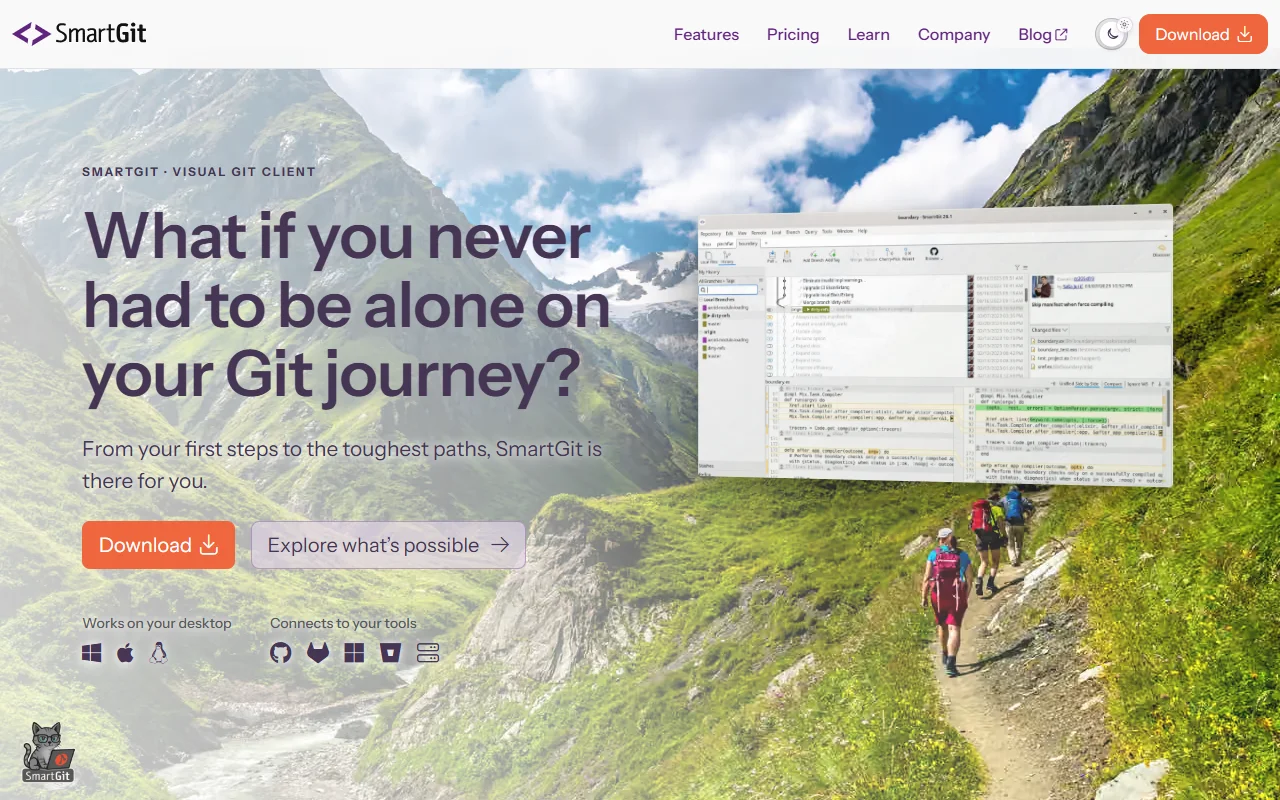
SmartGit is a desktop Git client that shows your repository history and branches in a visual way. It is aimed at people who want a graphical tool for everyday Git work as well as more complex branch and merge tasks.
What it does
SmartGit lets you clone or create repositories, then manage commits, branches and merges from a graphical window. It includes conflict resolution tools and common extras such as pull requests, Git Flow, Git LFS and cherry-picking. Undo actions are built in, so you can step back from a mistake.
Key features
- Visual history with drag and drop
- Conflict resolution tools
- Git Flow and Git LFS support
- Cherry-pick and undo actions
- Several window layouts to choose from
Who it's for
SmartGit suits developers who work on several projects at once and teams with a mix of Git experience. Beginners can use it to learn how branches work, while power users get advanced history tools.
Pricing and good to know
The site lists free use for open source projects and educational institutions. Check the current terms on the site for other plans. It runs as a desktop program on your own computer rather than in a browser.
Highlights
- Shows commit history as a visual graph
- Resolves merge conflicts in a graphical view
- Supports Git Flow and Git LFS
- Cherry-picks and undoes commits
- Lets you choose between several window layouts