
About Tower
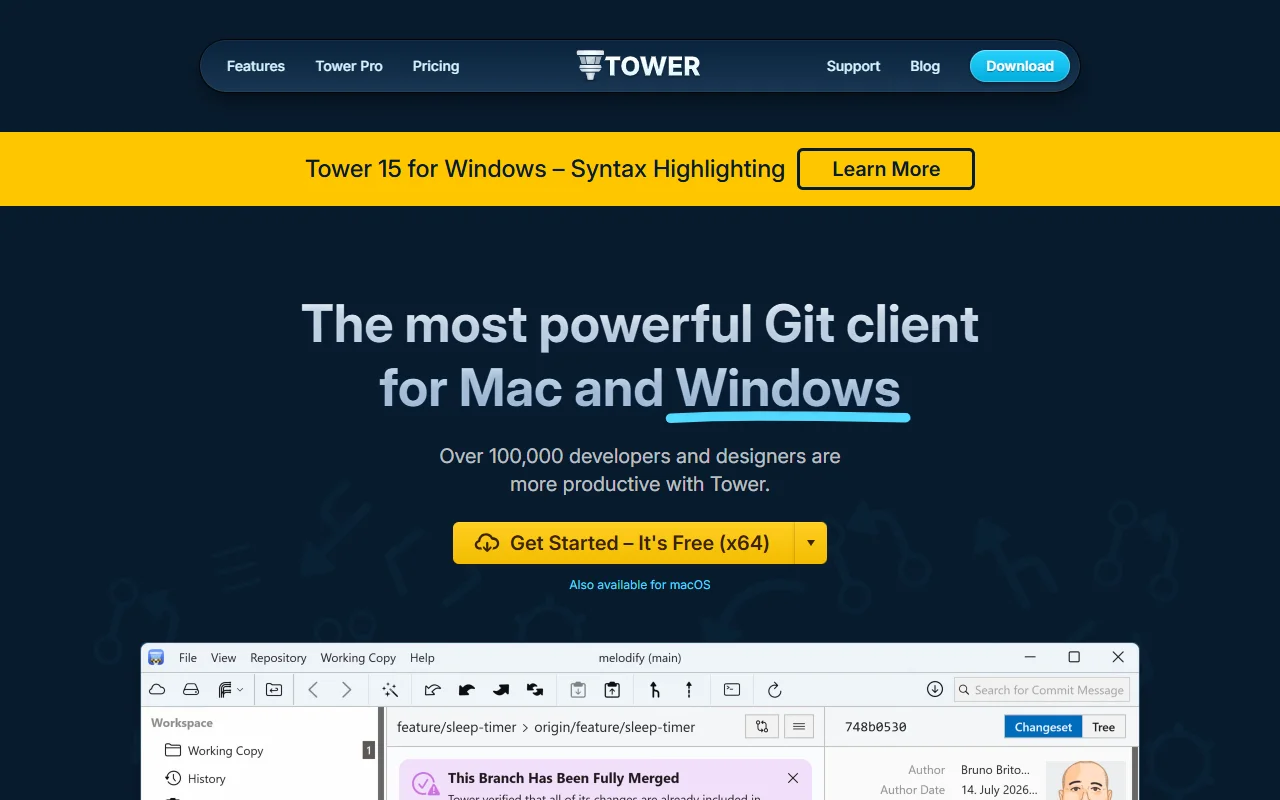
Tower is a Git client for Mac and Windows with a visual interface for everyday Git work. It is built for people who want the power of Git without remembering command line syntax.
What it does
Tower lets you stage changes, commit, branch, merge and rebase from a graphical window. Drag and drop helps with common Git actions, and a Conflict Wizard guides you through merge conflicts. Pull requests can be created from the app. File history and blame views show who changed each line and when, and undo features help you recover from mistakes.
Key features
- Drag and drop for common Git actions
- Single-line staging and interactive rebase
- Conflict Wizard for merge conflicts
- File history and blame views
- Git LFS, submodules and Git-Flow support
Who it's for
Tower is aimed at developers, designers and teams who want a polished visual client. The site also lists students and teachers as a use case, and designers who work with Git on both design and code files.
Pricing and good to know
Tower offers a free trial, and it is available for Windows and macOS. Plan and license details are on the pricing page, so review them before you buy. Tower keeps the full set of Git commands available, so advanced work is still possible in the app.
Highlights
- Stage single lines and commit selected changes
- Use interactive rebase from a visual window
- Resolve merge conflicts with a guided wizard
- Browse file history and blame for each line
- Work with Git LFS, submodules and Git-Flow