
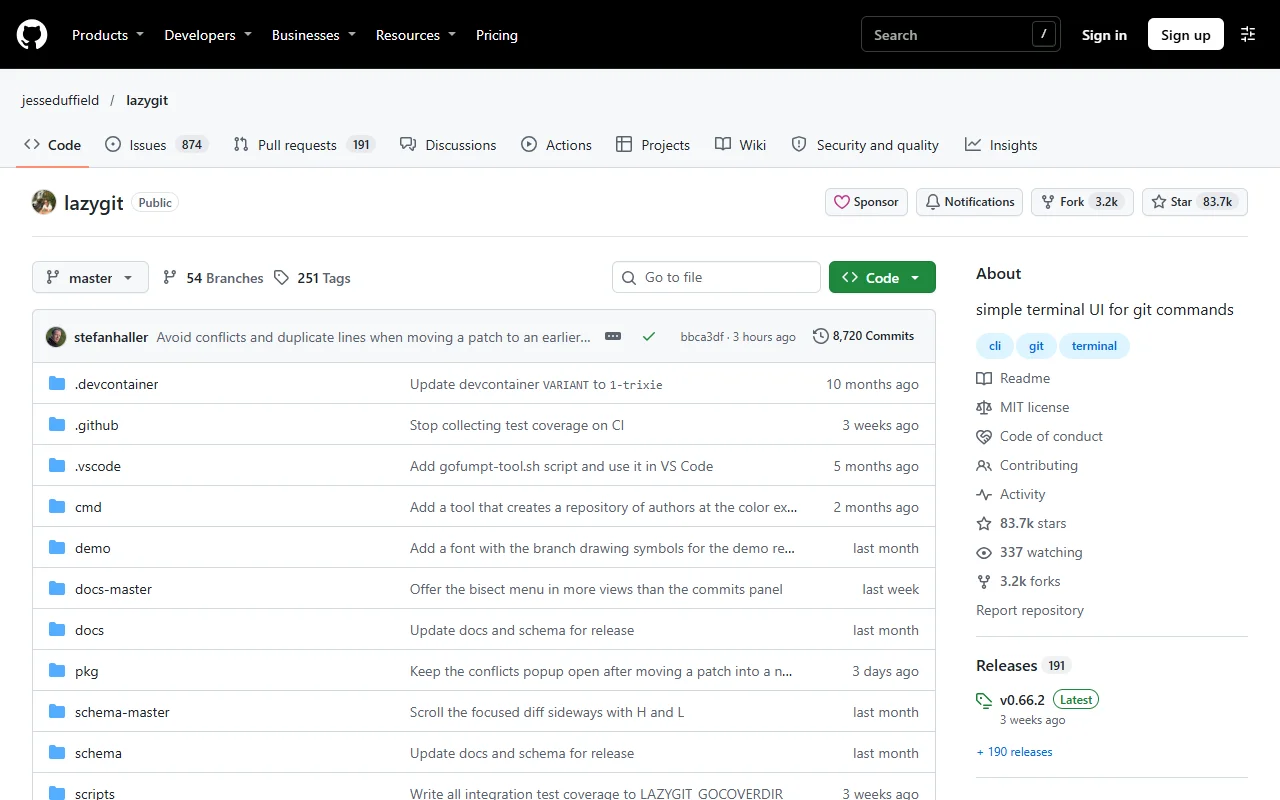
About Lazygit
Lazygit is a terminal user interface for Git. It puts status, branches, commits and diffs on one screen, so you can run common actions with a few key presses.
What it does
Lazygit shows the state of your repository in panels. You can stage files, lines or hunks, commit, amend, rebase, cherry-pick and resolve conflicts from the keyboard. It runs Git commands in the background, so every action happens in your real repository. The view updates as files change. The tool is written in Go.
Key features
- Stage files, hunks and single lines
- Commit, amend and fixup from the keyboard
- Rebase and cherry-pick support
- Branch, stash and remote management
- Custom keybindings and themes through config
Who it's for
Lazygit suits developers who work in a terminal and want a faster way to handle Git than typing every command. It is also useful for people learning Git, because they can see what each action does to the history.
Pricing and good to know
Lazygit is open source under the MIT license, so it is free to use. It runs in a terminal, so you need a terminal emulator and Git installed. Its configuration options are documented in the project repository.
Highlights
- Stages files, hunks and single lines
- Commits, amends and fixups from the keyboard
- Rebases and cherry-picks commits
- Manages branches, stashes and remotes
- Custom keybindings and themes