About GitButler
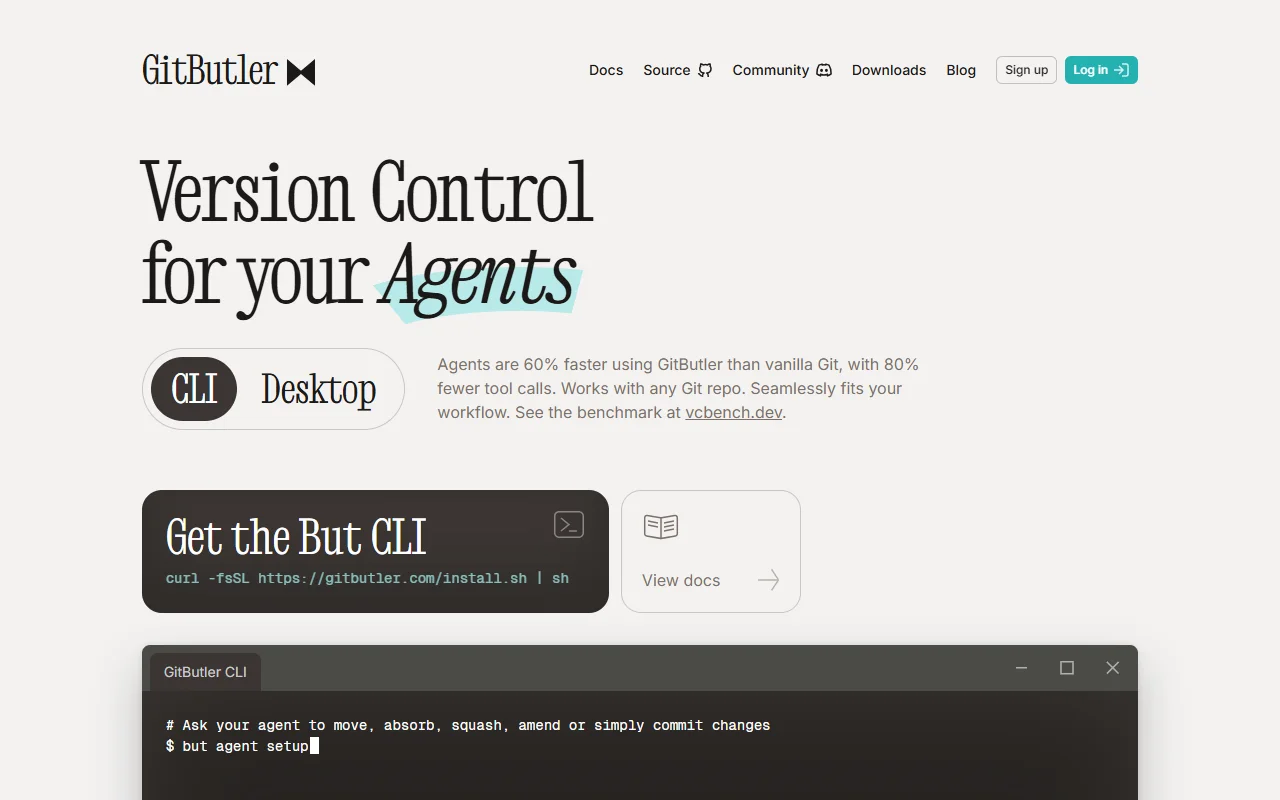
GitButler is a Git command line tool and desktop client that works with any existing Git repository. It is built for developers and for the AI coding agents they use.
What it does
GitButler lets you work on several branches at once and build features on top of each other as stacked branches. A Smartlog view shows what is on your active branches. Changes can be moved between commits, absorbed into earlier commits, reordered or amended with short commands. Undo and redo cover most operations, including those made after commits.
Key features
- Parallel branches without switching
- Stacked branches for dependent changes
- Undo and redo for most operations
- Smartlog view of active branches
- Structured output for scripts and agents
Who it's for
GitButler suits developers who juggle several features at once and want fewer rebase problems. It also suits teams that use coding agents and want predictable command output for scripts and automation.
Pricing and good to know
The CLI installs with a shell script from the official site, and setup guides cover common coding agents. The desktop client works with the same repositories, so the two can be used side by side. Because GitButler layers onto your current Git workflow, existing remotes and hosting services keep working.
Highlights
- Works on several branches in one folder
- Stacks dependent branches on each other
- Moves and absorbs changes between commits
- Undoes most operations, even after commits
- Structured output for automation