
About GitHub CLI
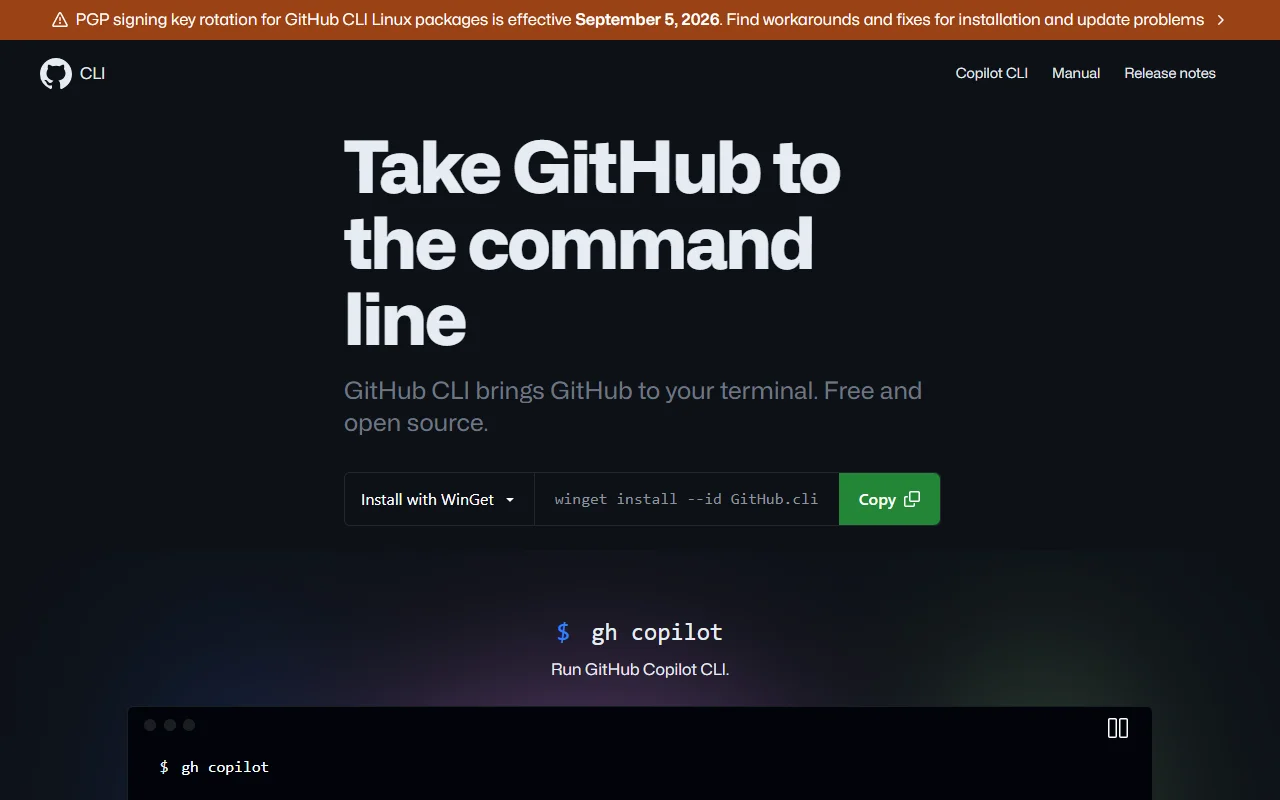
GitHub CLI brings GitHub to your terminal. You can work with issues, pull requests, checks and releases without opening the browser.
What it does
The gh command lists and creates pull requests, views issues, checks CI status and manages releases from the shell. It can also call the GitHub API directly, and you can define aliases for commands you repeat. It works with GitHub.com and with GitHub Enterprise Server. The tool is free and open source under the MIT license.
Key features
- Work with issues and pull requests
- View CI checks on pull requests
- Call the GitHub API from scripts
- Custom command aliases
- Connect to GitHub Enterprise Server
Who it's for
GitHub CLI suits developers who work mostly in a terminal and use GitHub for code review and issues. It is also useful for teams that script GitHub tasks in automation or build pipelines.
Pricing and good to know
GitHub CLI is free and open source. It can be installed with WinGet and other package managers, depending on the system. The site notes a signing key change for Linux packages, so check the install notes before you update.
Highlights
- Creates and lists pull requests
- Views and manages issues
- Checks CI status from the terminal
- Calls the GitHub API from scripts
- Defines aliases for repeated commands