
About TortoiseGit
TortoiseGit is a Git client for Windows that works inside File Explorer. It adds status icons to files and a context menu for common Git actions.
What it does
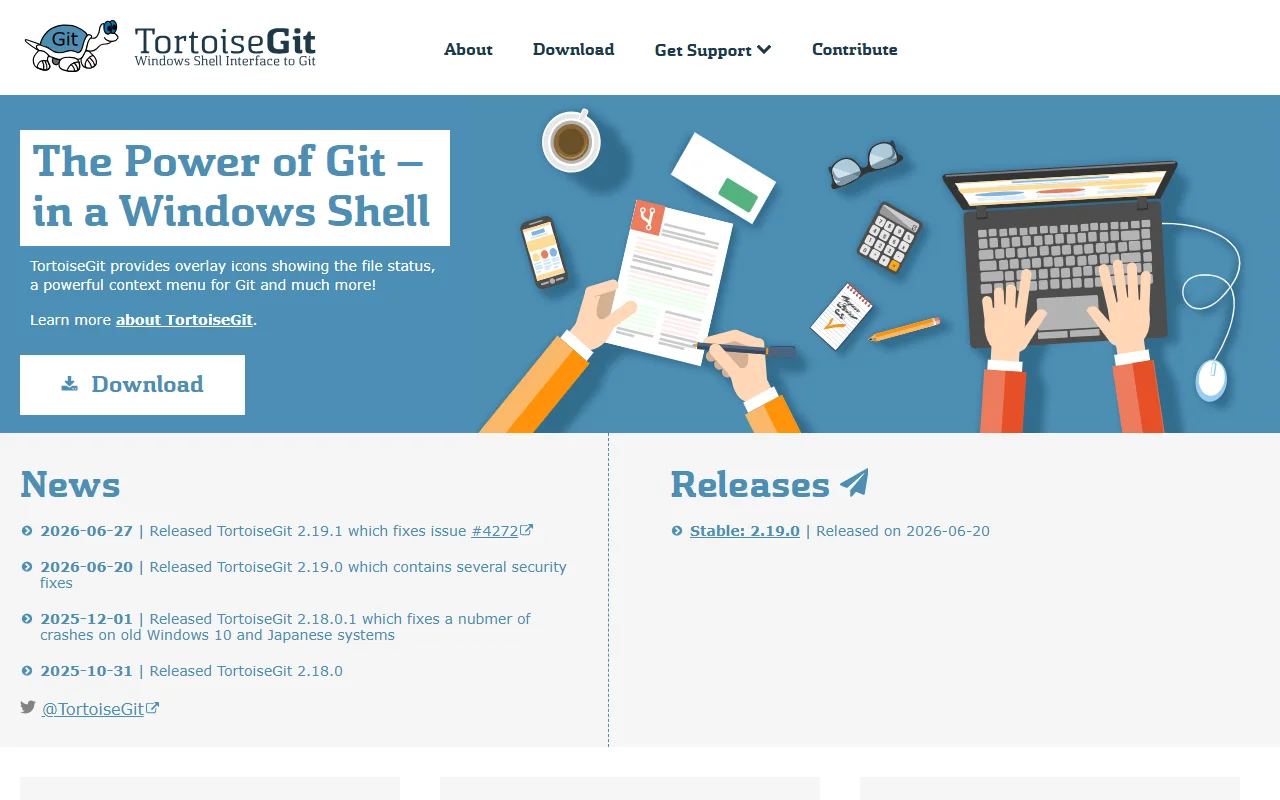
TortoiseGit shows overlay icons on files and folders, so you can see their Git status at a glance. Right-clicking in Explorer opens a menu of Git commands, which means many everyday tasks can be done without opening a terminal. The project publishes an installer, language packs and manuals. It is developed as open source, and its news page lists recent releases.
Key features
- File status icons shown in Windows Explorer
- Git context menu on files and folders
- Installer and language packs for download
- Manuals, FAQ and support resources
- Regular releases, including security fixes
Who it's for
Windows developers and writers who prefer a graphical Git tool. It suits people who are new to Git and want to see file state directly in Explorer. Users who work mainly on macOS or Linux will need a different client.
Pricing and good to know
TortoiseGit is free and open source. It runs only on Windows, as a shell extension for File Explorer. Help is available through the manuals, the FAQ and the mailing list. The project also welcomes contributions and donations.
Highlights
- File status icons shown in Windows Explorer
- Git context menu on files and folders
- Installer and language packs for download
- Manuals, FAQ and support resources
- Regular releases, including security fixes