
About Slack
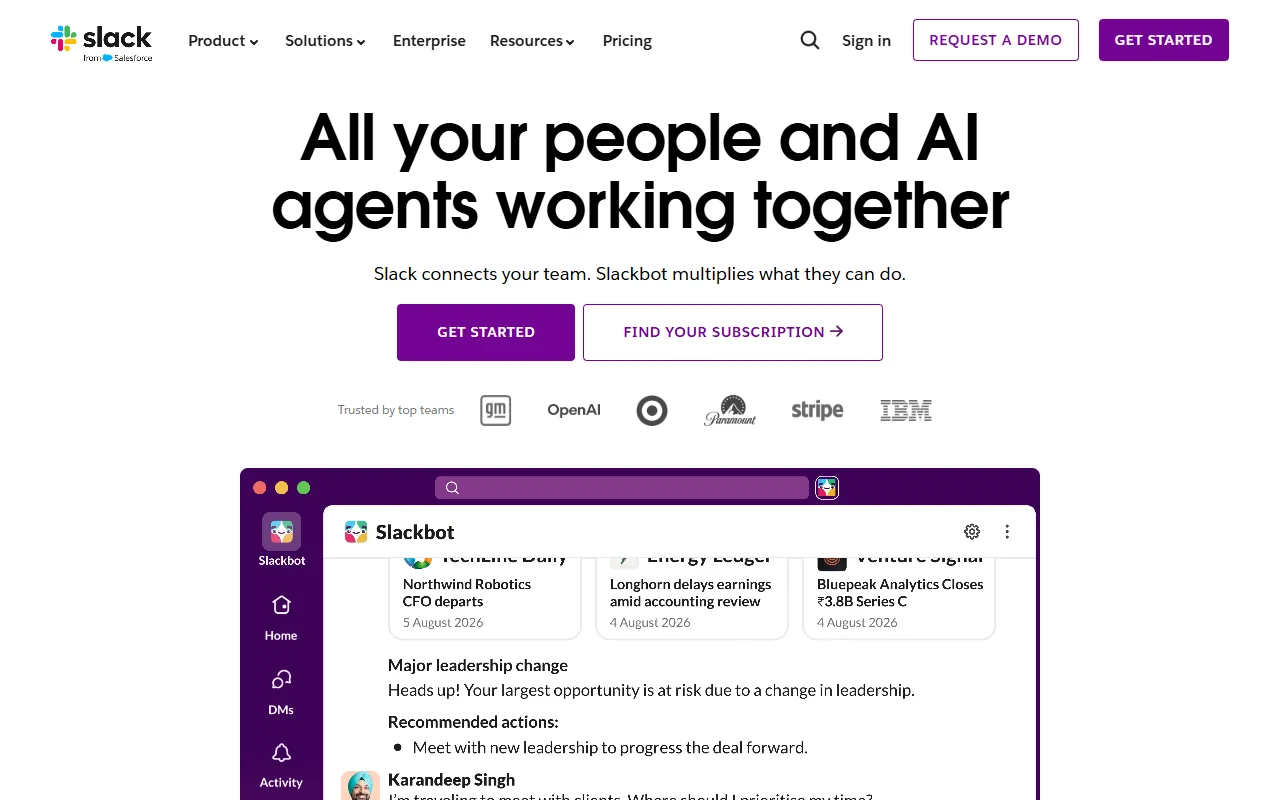
Slack is a messaging app that organizes team conversations into channels and direct messages. It connects with many other tools and includes Slackbot, an AI assistant.
What it does
Teams talk in public channels, private groups and direct messages, and threads keep replies attached to the original message. Files and links can be shared in the conversation, and apps can post updates or run workflows. Slackbot can answer questions and help with some tasks. Slack lists and records can track work inside the same app.
Key features
- Channels, threads and direct messages
- File sharing in conversations
- App integrations and workflows
- Slackbot AI assistant
- Lists for tracking work
Who it's for
Slack suits teams and companies that run much of their work through chat, from small groups to large organizations. Support teams, project teams and sales teams use it to coordinate work and keep context in one place.
Pricing and good to know
A free plan is available, and paid plans add features, storage and admin controls. Slack runs in a web browser, in desktop apps for Windows, Mac and Linux, and in mobile apps. Some AI features and integrations depend on the plan, so check the pricing page for what each plan includes. Admins should review data and access settings before connecting many apps.
Highlights
- Organize talk into channels and threads
- Share files inside conversations
- Connect other apps and run workflows
- Ask Slackbot questions and get help with tasks
- Track work with lists and records