About Yazi
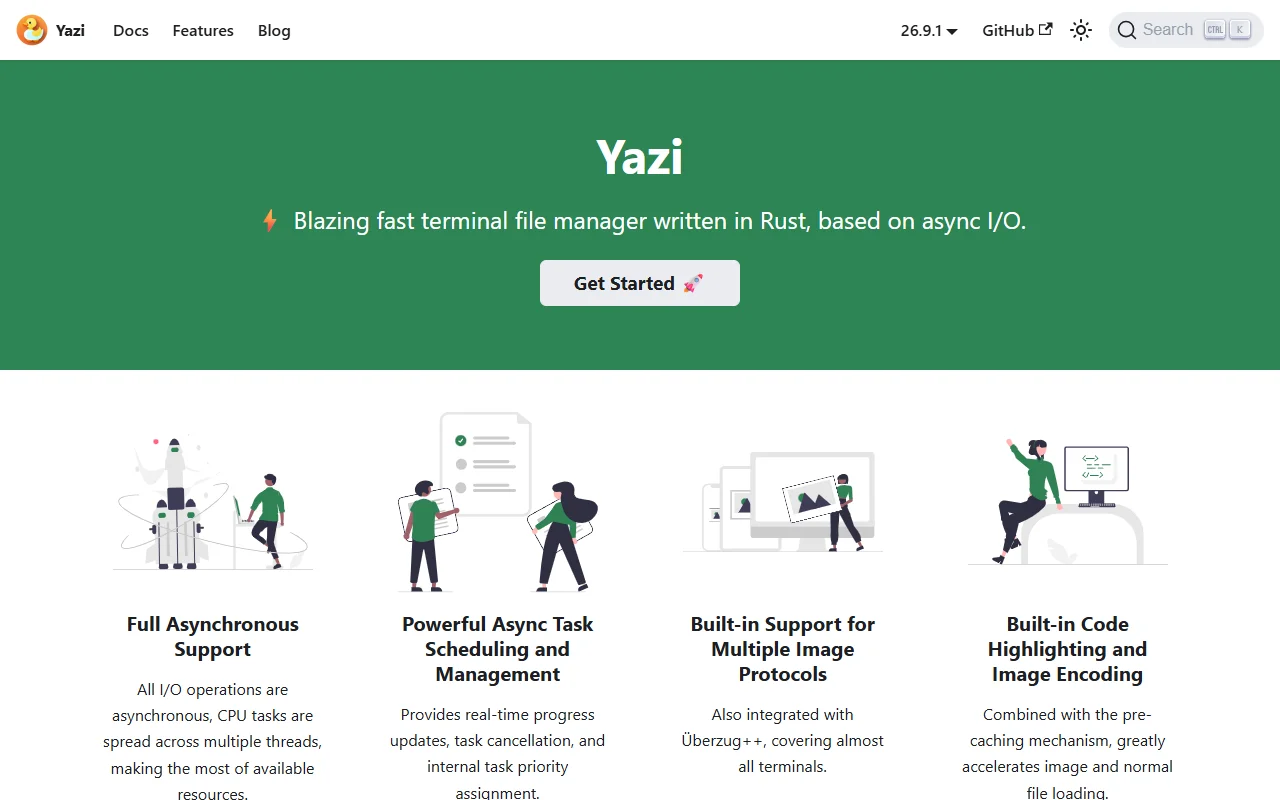
Yazi is an open source terminal file manager written in Rust. It uses asynchronous I/O so file operations stay responsive.
What it does
Yazi lets you browse, copy, move and preview files from the terminal. Its task scheduler runs file jobs in the background, shows progress and lets you cancel a task. Previews include images and syntax-highlighted code, and caching helps files load faster when you move between folders.
Key features
- Background tasks with progress and cancel
- Image previews in many terminals
- Syntax highlighting in file previews
- Asynchronous I/O across file operations
- Works on Windows, macOS and Linux
Who it's for
Developers and system administrators who spend time in the terminal, and anyone who wants a keyboard-driven file browser with image previews.
Pricing and good to know
Yazi is free and open source under the MIT license, with source on GitHub. Community chat is available on Discord and Telegram, and the documentation is on the project website. Image previews depend on the protocol your terminal supports.
Highlights
- Background tasks with progress and cancel
- Image previews in many terminals
- Syntax highlighting in file previews
- Asynchronous I/O across file operations
- Works on Windows, macOS and Linux