About Homebrew
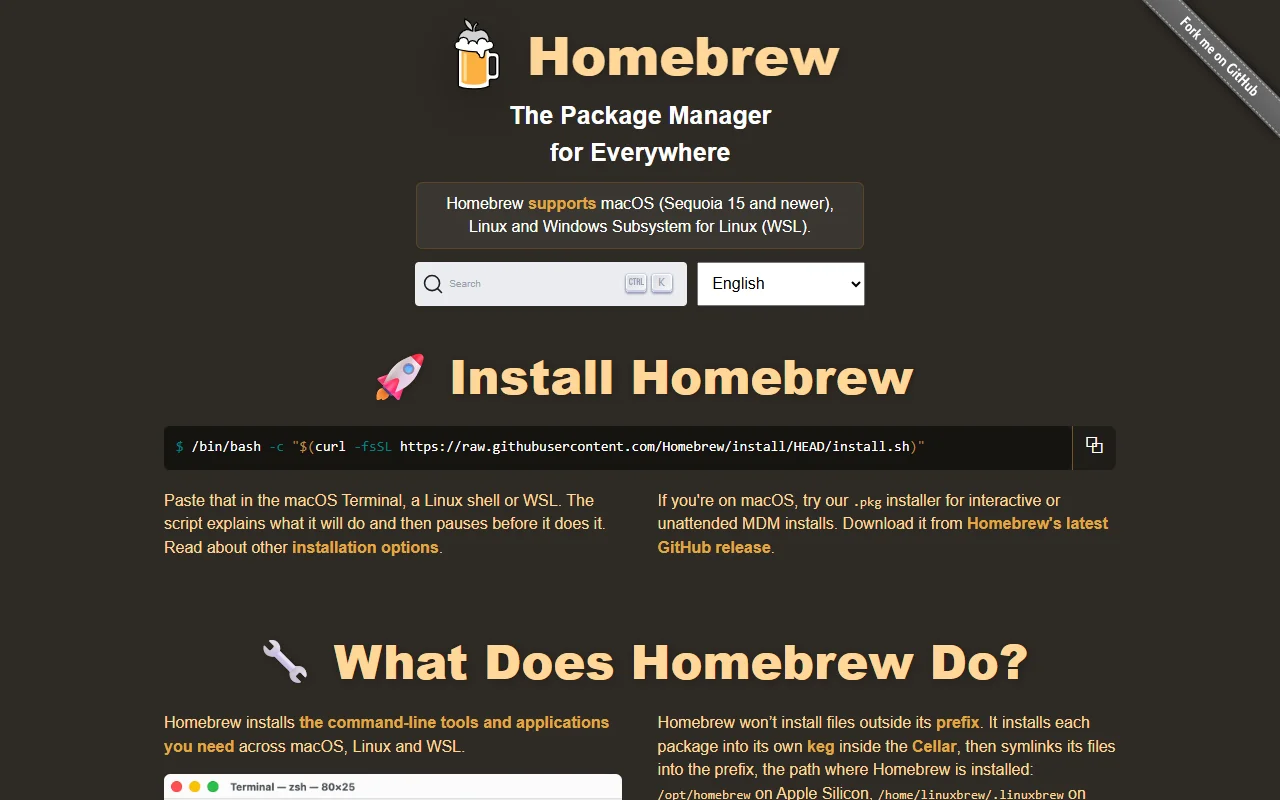
Homebrew is a package manager that installs software from the command line. It supports macOS and Linux, including Windows Subsystem for Linux, and keeps each package in its own location.
What it does
You run brew install with a package name, and Homebrew downloads and builds or unpacks it. Command line tools are called formulae, and macOS apps are called casks. Files are linked into a prefix folder so your shell can find them, and nothing is installed outside that prefix.
Key features
- Install command line tools and desktop apps with one command
- Each package stored in its own folder with links into a shared prefix
- Formulae for tools and casks for macOS apps
- Works on macOS, Linux and WSL
- Official macOS installer package for managed setups
Who it's for
Developers and power users on macOS who want tools such as git, Python or ffmpeg without manual downloads. It also suits Linux and WSL users who want a consistent way to install and update tools.
Pricing and good to know
Homebrew is open source under the BSD-2-Clause license and free to use. The install script explains each step and pauses before it makes changes, so read it if you want to know what it does. Formulae in the main repository are reviewed by maintainers and must use open source licenses.
Highlights
- Install command line tools and desktop apps with one command
- Each package stored in its own folder with links into a shared prefix
- Formulae for tools and casks for macOS apps
- Works on macOS, Linux and WSL
- Official macOS installer package for managed setups