About iTerm2
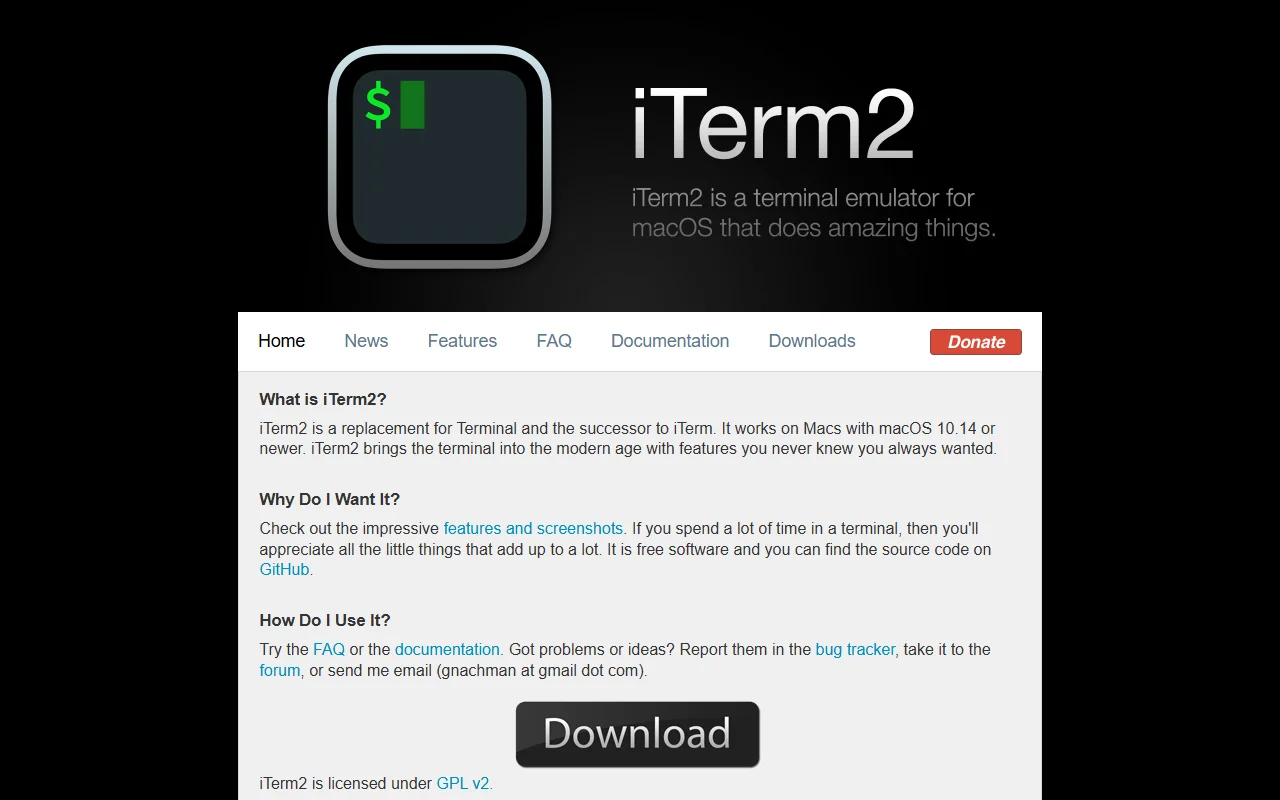
iTerm2 is a terminal app for macOS that replaces the built-in Terminal. It is free, open source software with many features for everyday command-line work.
What it does
iTerm2 gives you a feature-rich terminal emulator for Mac. It supports tabs and split panes in one window, search through terminal output, and profiles for different setups. Shell integration lets you jump between commands and see useful details about each one, which helps when you work with long sessions.
Key features
- Tabs and split panes in one window
- Search through terminal output
- Profiles for different setups
- Shell integration for moving between commands
- Works on macOS 10.14 or newer
Who it's for
Mac developers and system administrators who spend long hours in the terminal and want more control than the built-in app offers.
Pricing and good to know
iTerm2 is free software licensed under GPL v2, and its source code is on GitHub. Download it from the official site. It needs macOS 10.14 or newer, so older systems are not supported. The project's documentation and FAQ answer common setup questions.
Highlights
- Tabs and split panes in one window
- Search through terminal output
- Profiles for different setups
- Shell integration for moving between commands
- Works on macOS 10.14 or newer