About Proxyman
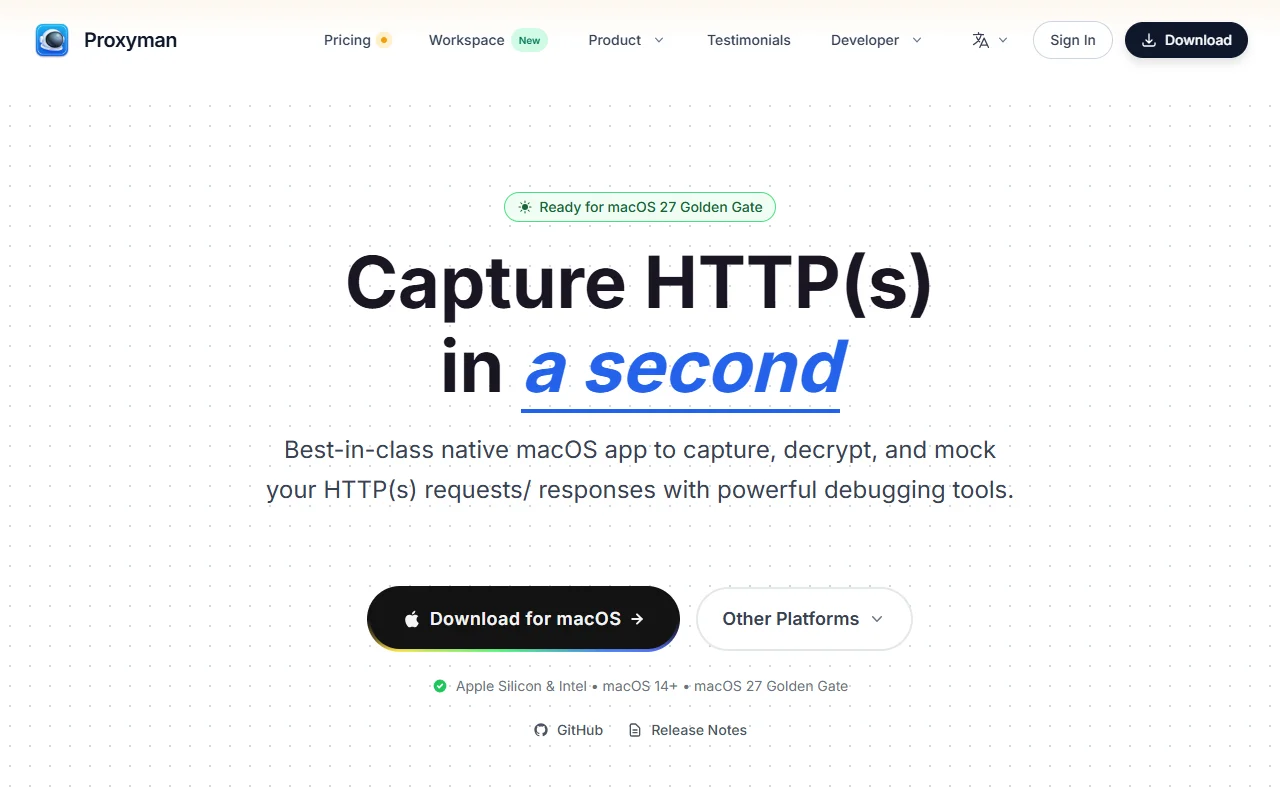
Proxyman is a native debugging proxy that captures and inspects HTTP and HTTPS traffic. It is built mainly for macOS and also offers apps for iOS, Android, Windows and Linux.
What it does
Proxyman sits between your apps and the servers they call, so you can inspect requests and responses in readable form. You can filter traffic by app or domain, edit or mock responses and pin working domains to reduce noise. A built-in MCP server lets an AI coding agent read captured traffic and resend requests.
Key features
- Capture and decrypt HTTP and HTTPS requests
- Filter traffic by app or domain
- Mock or change responses to test edge cases
- MCP server lets AI agents read captured traffic
- Standalone iOS and Android capture apps
- Syntax-highlighted request and response bodies
Who it's for
Mobile and web developers debugging API calls, QA engineers checking app behaviour and people who need to see network traffic from iPhone or Android devices.
Pricing and good to know
Proxyman is a commercial product with a pricing page on its website, so check the current options before buying. Captured traffic can contain passwords and tokens, so keep sessions private and avoid sharing them. The app uses a certificate to decrypt HTTPS, and that certificate should be removed when debugging ends.
Highlights
- Capture and decrypt HTTP and HTTPS requests
- Filter traffic by app or domain
- Mock or change responses to test edge cases
- MCP server lets AI agents read captured traffic
- Standalone iOS and Android capture apps
- Syntax-highlighted request and response bodies