About Charles Proxy
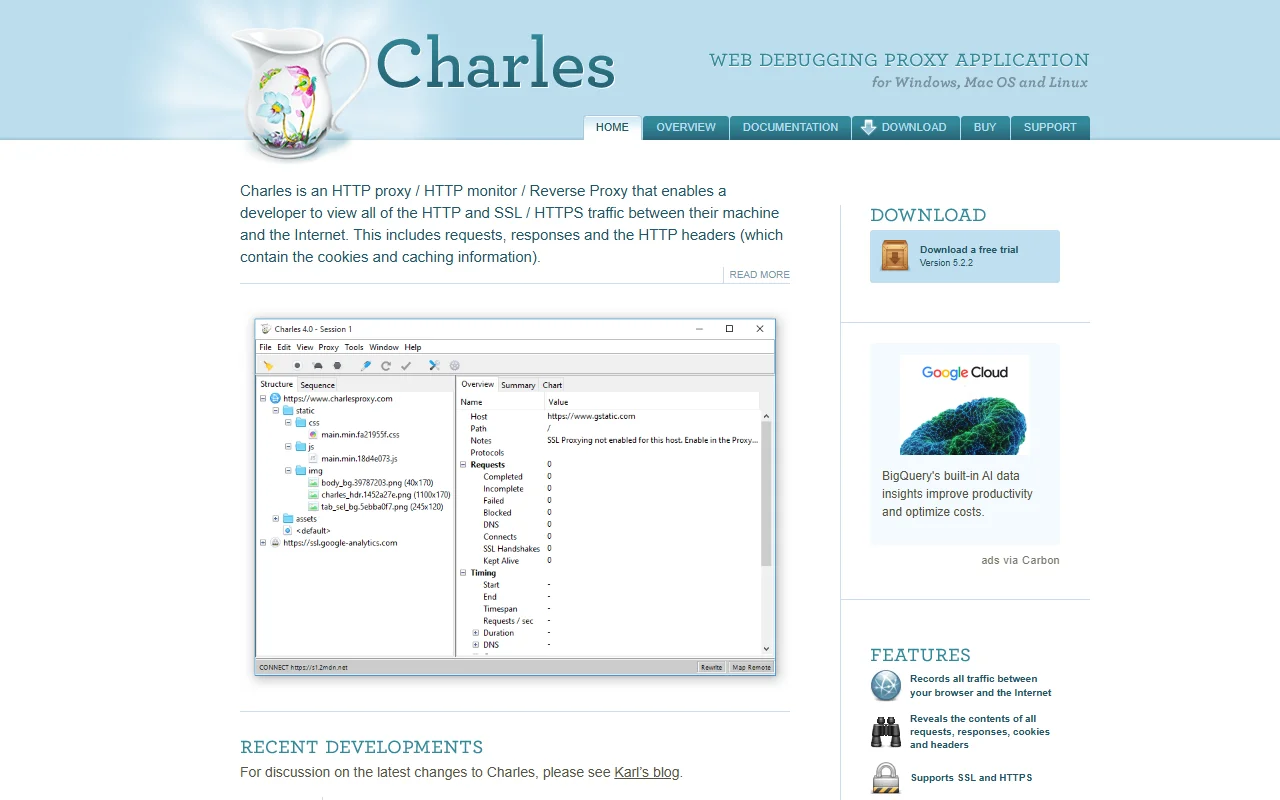
Charles Proxy is a debugging proxy that sits between your computer or phone and the internet. It records HTTP and HTTPS traffic so you can read requests and responses.
What it does
Charles shows each request your machine or device sends, along with responses, headers, cookies and caching details. It decrypts HTTPS traffic after you install its certificate, which lets you see request bodies in plain text. It can also simulate slow connections and act as a reverse proxy for local testing.
Key features
- See requests, responses, headers and cookies
- Decode SSL and HTTPS traffic for inspection
- Simulate slow network connections
- Reverse proxy setup for local testing
- Records traffic between your machine and the internet
Who it's for
Web and mobile developers debugging API calls, QA testers checking how apps behave on slow networks and engineers who need to see what a third-party service is sending.
Pricing and good to know
Charles offers a free trial, and a paid license is needed for continued use. It is developed by XK72 and runs on macOS, Windows and Linux. Traffic capture can include tokens and personal data, so keep captures private and remove the certificate when you finish. The vendor site lists the license options.
Highlights
- See requests, responses, headers and cookies
- Decode SSL and HTTPS traffic for inspection
- Simulate slow network connections
- Reverse proxy setup for local testing
- Records traffic between your machine and the internet