
About SVGOMG
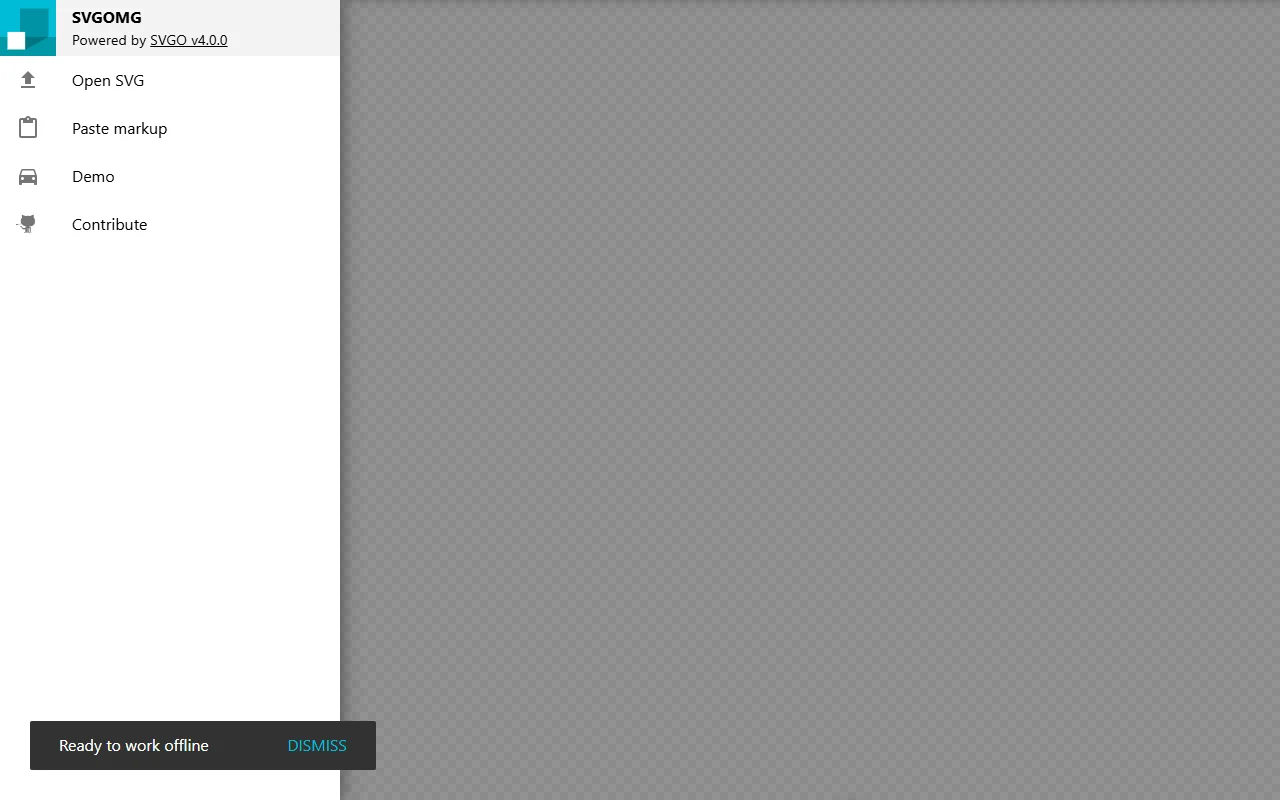
SVGOMG is a visual interface for SVGO, the SVG optimiser. You paste or open an SVG, change the settings, and see the smaller file before you save it.
What it does
The app lets you switch SVGO optimisation features on and off and set the number precision for coordinates and transforms. It shows the original and optimised markup side by side. A gzipped size comparison shows the real saving over the network. Markup can be prettified for reading, and all settings can be reset in one step when a result goes wrong.
Key features
- Toggle SVGO optimisation features
- Set number precision
- Compare original and output
- Gzipped size comparison
- Works offline after the first load
Who it's for
Front-end developers and designers who ship SVG icons and illustrations on websites are the main audience. It is useful whenever an SVG file is larger than it should be.
Pricing and good to know
SVGOMG is open source under the MIT licence, and the code is on GitHub. It runs in the browser and can be used offline once it has loaded, as the page notes. Some options can change how an image looks, so check the result visually before you replace a file in a project.
Highlights
- Toggle SVGO optimisation features
- Set number precision for coordinates
- Compare original and optimised markup
- See the gzipped size saving
- Works offline after the first load