About minikube
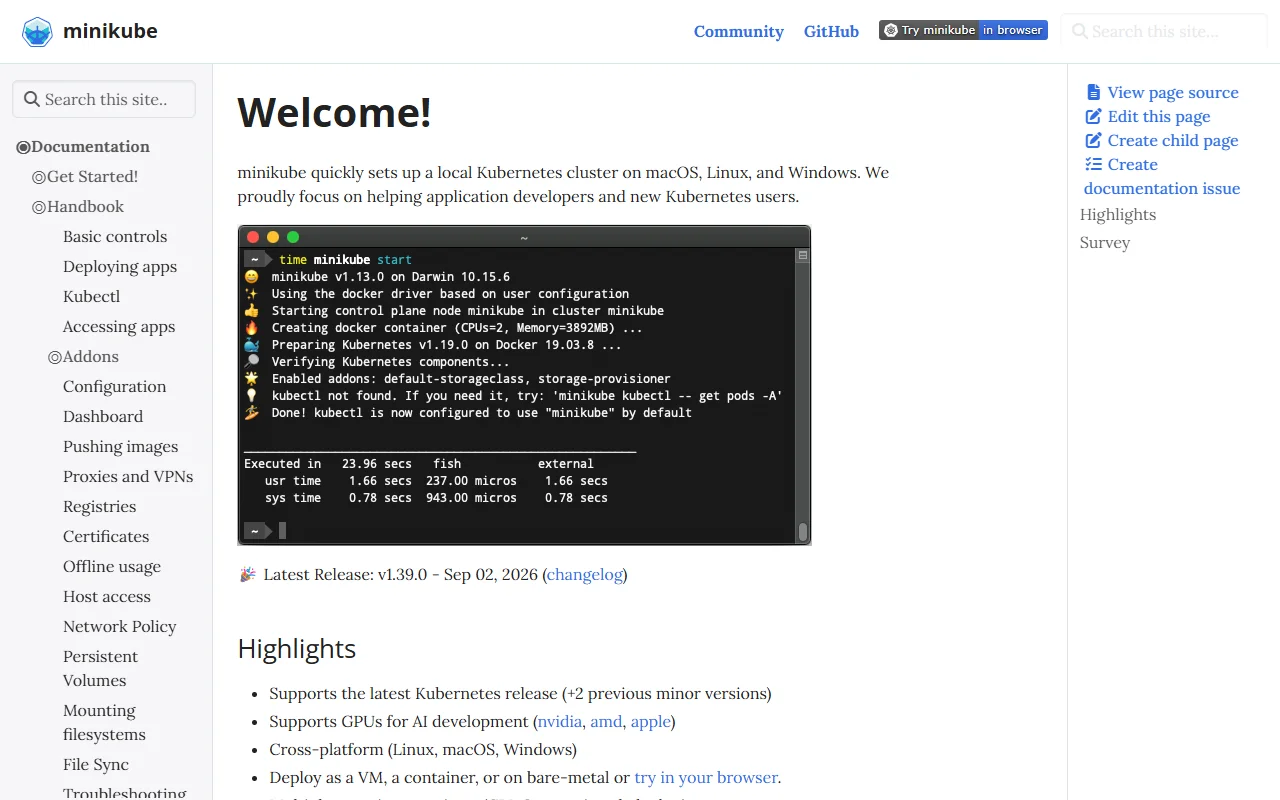
minikube starts a small Kubernetes cluster on your own machine. It is built for application developers and for people who are new to Kubernetes.
What it does
minikube sets up a local cluster on macOS, Linux and Windows, so you can try Kubernetes without a cloud account. You can deploy apps to the cluster, test them, and remove the cluster when you are done. The project documentation covers basic controls, deploying apps, kubectl use, addons and how to reach running apps from your machine.
Key features
- Local cluster on macOS, Linux and Windows
- Runs as a VM, a container or on bare metal
- Choice of container runtimes
- Addons for common Kubernetes apps
- GPU support for AI development
Who it's for
Developers who want a disposable Kubernetes environment on a laptop. It also suits teams onboarding new people to Kubernetes, and CI jobs that need a short-lived cluster.
Pricing and good to know
minikube is open source under the Apache-2.0 licence and is free to use. It runs on your own computer, so the cluster stays local. Check the documentation for the resources your machine needs before you start a larger cluster.
Highlights
- Local cluster on macOS, Linux and Windows
- Run as a VM, a container or on bare metal
- Pick a container runtime such as containerd or CRI-O
- Enable addons for common Kubernetes apps
- Reach running apps from your own machine