About Jam
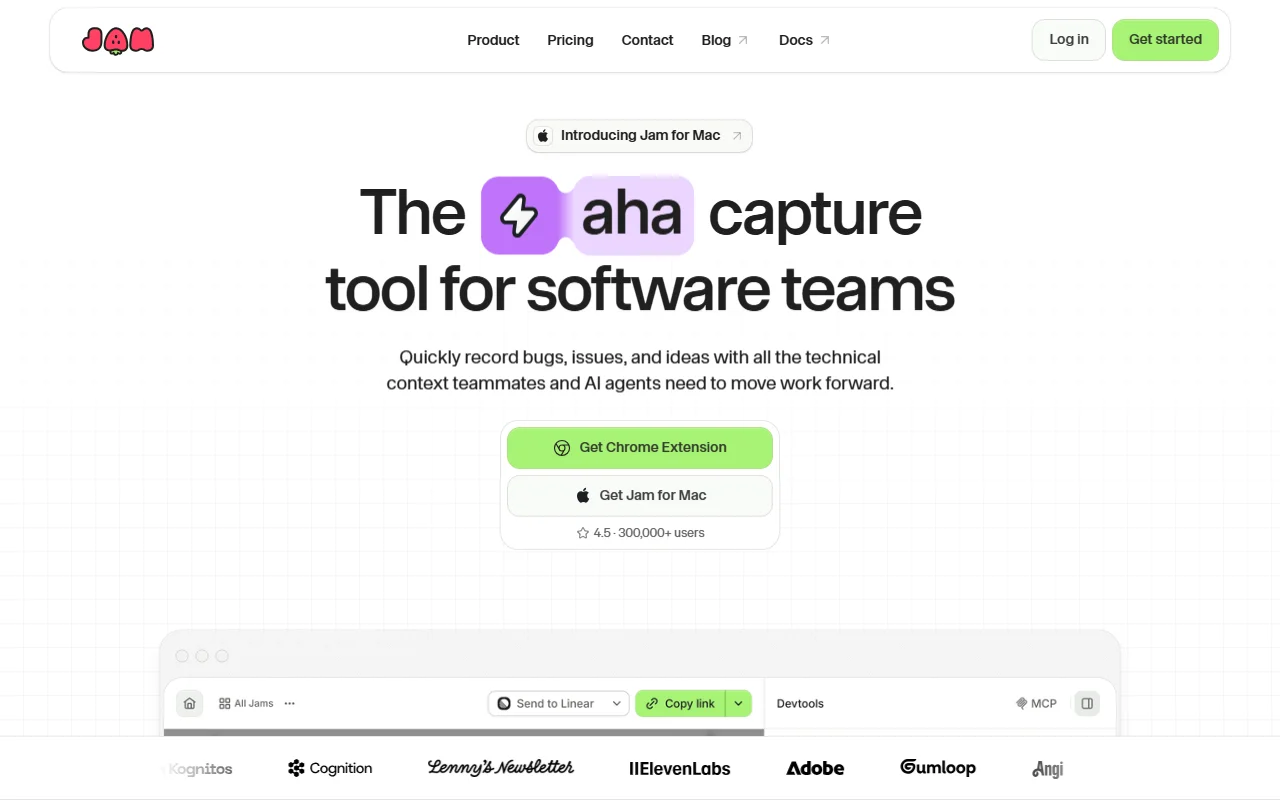
Jam is a screen recorder for reporting bugs, feedback and ideas. Each recording includes technical details that help engineers and AI agents investigate.
What it does
You record your screen or capture a screenshot from the browser extension, the Mac app or the iOS app. Jam adds an automatic summary with a suggested title and repro steps. It keeps logs, network requests and device details with the recording, and you can send it to Linear, Jira or Slack.
Key features
- Screen recording or screenshot from the browser
- Console logs and network requests attached
- AI summary with a title and repro steps
- Send recordings to Linear, Jira or Slack
- Recording links so customers can show an issue
Who it's for
Product, QA and support teams who want clear bug reports. Engineering teams that use AI coding agents can pass the recording and its context along to them.
Pricing and good to know
Jam is available as a Chrome extension, a Mac app and an iOS app. The product page reports more than 300,000 users and a 4.5 rating. Its recordings can be shared with teammates or customers through a link.
Highlights
- Screen recording or screenshot from the browser
- Console logs and network requests attached
- AI summary with a title and repro steps
- Send recordings to Linear, Jira or Slack
- Recording links so customers can show an issue