About Vectorizer.AI
Vectorizer.AI converts pixel images into vector files. It takes PNG, JPG, GIF and WebP pictures and traces them into shapes that scale without losing sharpness.
What it does
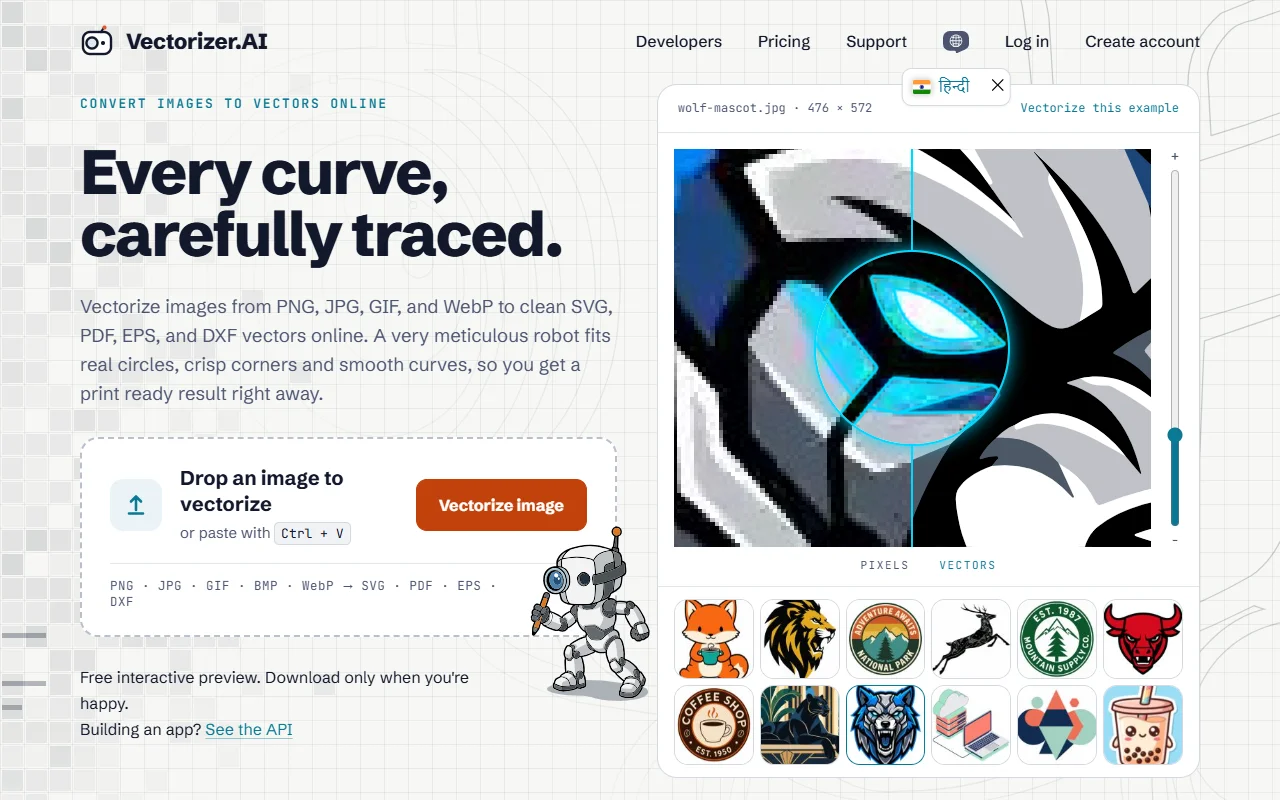
You upload an image, and the tool fits shapes, curves and corners to the pixels. The result is shown as an interactive preview, so you can zoom in and compare it with the original before you download. Output formats include SVG, PDF, EPS and DXF, with presets for editing, cutting and engraving.
Key features
- Convert PNG, JPG, GIF and WebP files
- Export to SVG, PDF, EPS or DXF
- Preview the result before downloading
- Fit shapes such as circles and curves
- API for automated conversion
Who it's for
Designers, print shops and makers who need editable artwork from an existing picture. It suits logos, old scans and AI-generated images that have to be cut or printed.
Pricing and good to know
A free interactive preview lets you check the result before you download. Download options and any limits are shown on the pricing page. Very busy or low-contrast images can need a palette adjustment before the vector looks right.
Highlights
- Convert PNG, JPG, GIF and WebP files
- Export to SVG, PDF, EPS or DXF
- Preview the result before downloading
- Fit shapes such as circles and curves
- API for automated conversion