
Skip to content

Fotor

Freemium

Free online photo editor with AI enhancement and image generation

Fotor preview

About Fotor

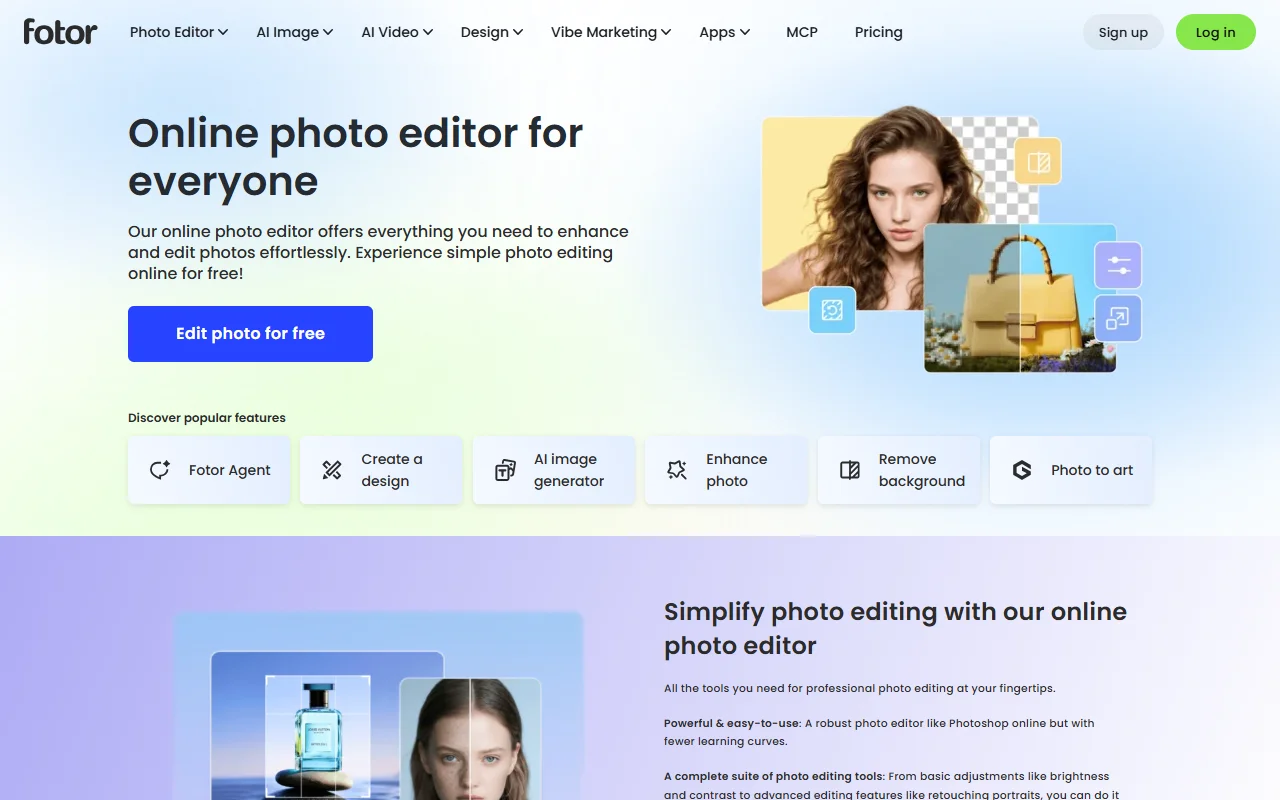
Fotor is an online photo editor with AI tools for enhancing pictures and creating new images. It offers basic editing alongside automated fixes for common photo problems.

What it does

Fotor adjusts brightness, contrast and colour, retouches portraits and crops or adds text. Its AI features can enhance blurry photos, remove backgrounds and unwanted objects, and generate images from text. The batch editor lets you apply edits to many photos at once, and the site includes design templates for simple graphics.

Key features

  • Enhance photo quality with one click
  • Remove backgrounds and unwanted objects
  • Batch edit many photos at once
  • Generate images from text
  • Create designs from templates

Who it's for

Casual photographers, social media users and small businesses that want quick edits without learning complex software. It suits people who prefer an online editor to a desktop program.

Pricing and good to know

You can edit photos online for free, and paid plans unlock more features and higher limits. Plan details are on the pricing page. Because it runs in the browser, you need an internet connection, and large batches may take a while to process.

Highlights

  • Enhance photo quality with one click
  • Remove backgrounds and unwanted objects
  • Batch edit many photos at once
  • Generate images from text
  • Create designs from templates

Ratings & reviews

Rate Fotor

Stars alone count straight away.0/300

Checking that you are human…

Was this page helpful?

FAQ

Frequently Asked Questions

Quick answers about the directory, listings and your privacy.

  • Web Tools Finder (WTF) is a curated directory built by developers and designers for web developers, designers, vibe coders, and freelancers. It brings useful tools and resources together in one place, helping you save time, discover better resources, and bookmark your favorites for free, without signing up.

    About Web Tools Finder
  • Yes, it is free. Browsing, searching and saving tools need no account. Your saved tools are kept in your browser on this device, so they are not shared between devices.

    Open your saved tools
  • You can discover AI tools, development resources, UI/UX design tools, graphics, website inspiration, open-source projects, learning materials, freelance resources, and more. We're also expanding into useful communities and groups to help you connect, learn, and grow.

    Browse the directory
  • Use the Search Directory, or press Ctrl K (Cmd K on a Mac) to search from any page. Each section lists its tools by category, and when tools have pricing details you can filter by price, such as Free, Freemium or Paid. Open a tool to read its description, highlights and details, and save the ones you like.

    Search the directory
  • It shows how many tools were added to that section in the last 7 days. The label disappears once you open the section.

  • The AI Prices page is checked every day against two independent public sources, and a price is listed only when both agree. Prices can change at any time, so always confirm with the provider before you build on a price.

    See the AI prices
  • They come from GitHub star counts, which refresh automatically every day. Stars show how popular a project is, not how good it is for your project.

    See the most starred tools
  • Yes! You can submit your tool, resource, or agency through our submission options. Our team reviews each submission according to our listing guidelines and policies. We'll contact you regarding the review, eligibility, and next steps before your listing is published.

    Contact us
  • They mark paid or partner placements. Those listings are not recommendations from Web Tools Finder, and they are labelled clearly so you can tell them apart from the rest of the directory.

  • Featured spots can be arranged on the Home page, in each section and on the Agencies and Deals pages. Get in touch through the contact page and tell us what you would like to promote. Featured and sponsored placements are always labelled.

    Get in touch
  • With your permission we use Google Analytics to see which pages are useful, and the site shows advertising. You can accept or decline in the cookie banner and change your choice later from Cookie Preferences in the footer. Your saved tools stay in your browser.

    Read the Privacy Policy
  • Use the Feedback button in the menu and choose Something is broken, or write to us from the Contact page. We also check tool links regularly and review the ones that stop working.

    Contact us

Still have a question? Contact us

© 2026 Web Tools Finder (WTF). All rights reserved.

Built by QDelta Technologies