About Sketch
Sketch is a design app for Mac that covers interface design, prototyping and handoff. It is built around a focused canvas with few distractions, so designers can spend their time on the work itself.
What it does
Sketch lets you draw icons, screens and whole app layouts on an infinite canvas. You can group related screens into sections, build reusable components and organise frames with stack layouts. Teams can share their work and move designs toward development from the same file.
Key features
- Vector editor for icons and interface screens
- Nestable frames and stack layouts
- Component variants for related components
- Sections for organising a large canvas
Who it's for
Sketch suits product designers and UI designers who work on a Mac and want a native app. It is a good fit for people who prefer a simple interface with fewer panels to manage, and for teams who already share files inside a Mac-based design workflow.
Pricing and good to know
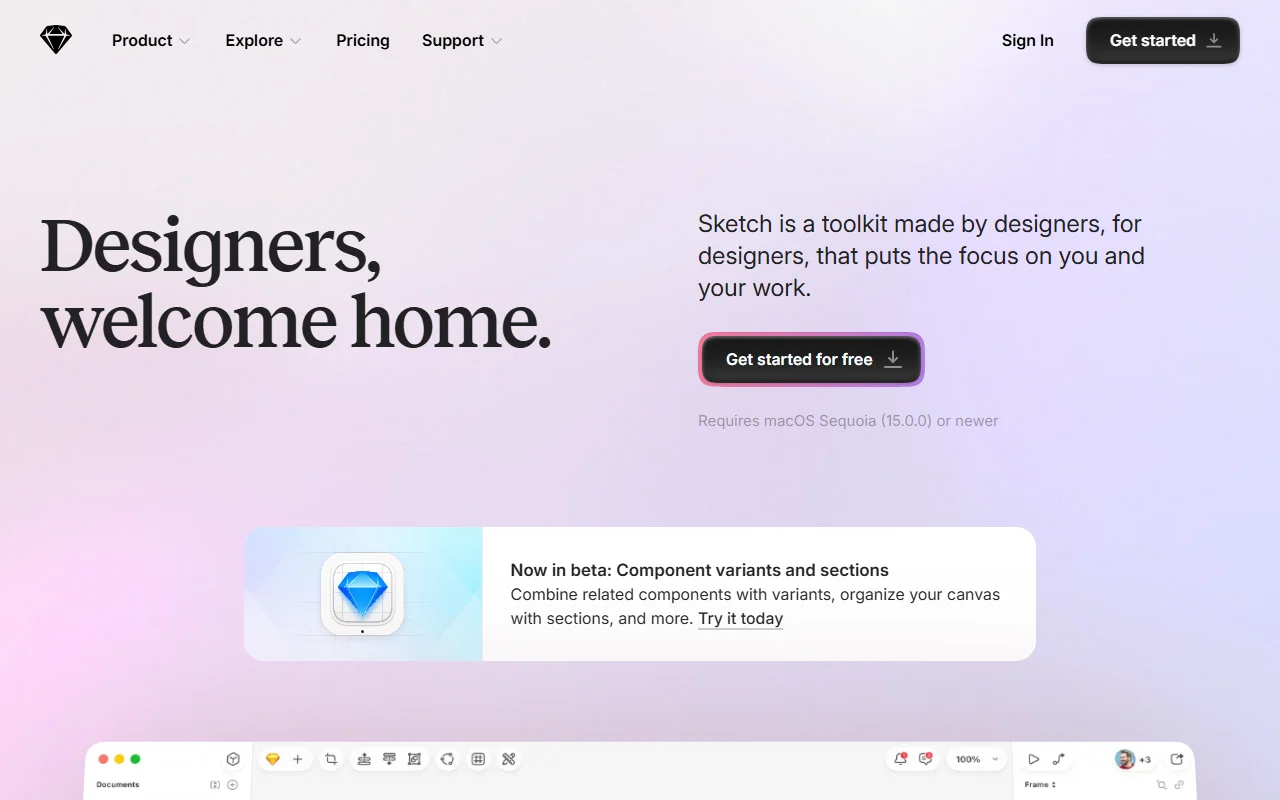
The site invites visitors to get started for free, and it links to a separate pricing page for paid options. Sketch requires macOS Sequoia (15.0.0) or newer, so it will not run on Windows or on older Mac systems. Component variants are described on the site as a beta feature at the time of writing.
Highlights
- Draw icons and full interface screens with a vector editor
- Build reusable components with variants
- Use nestable frames and stack layouts for flexible spacing
- Organise a large canvas with sections