
About Jitter
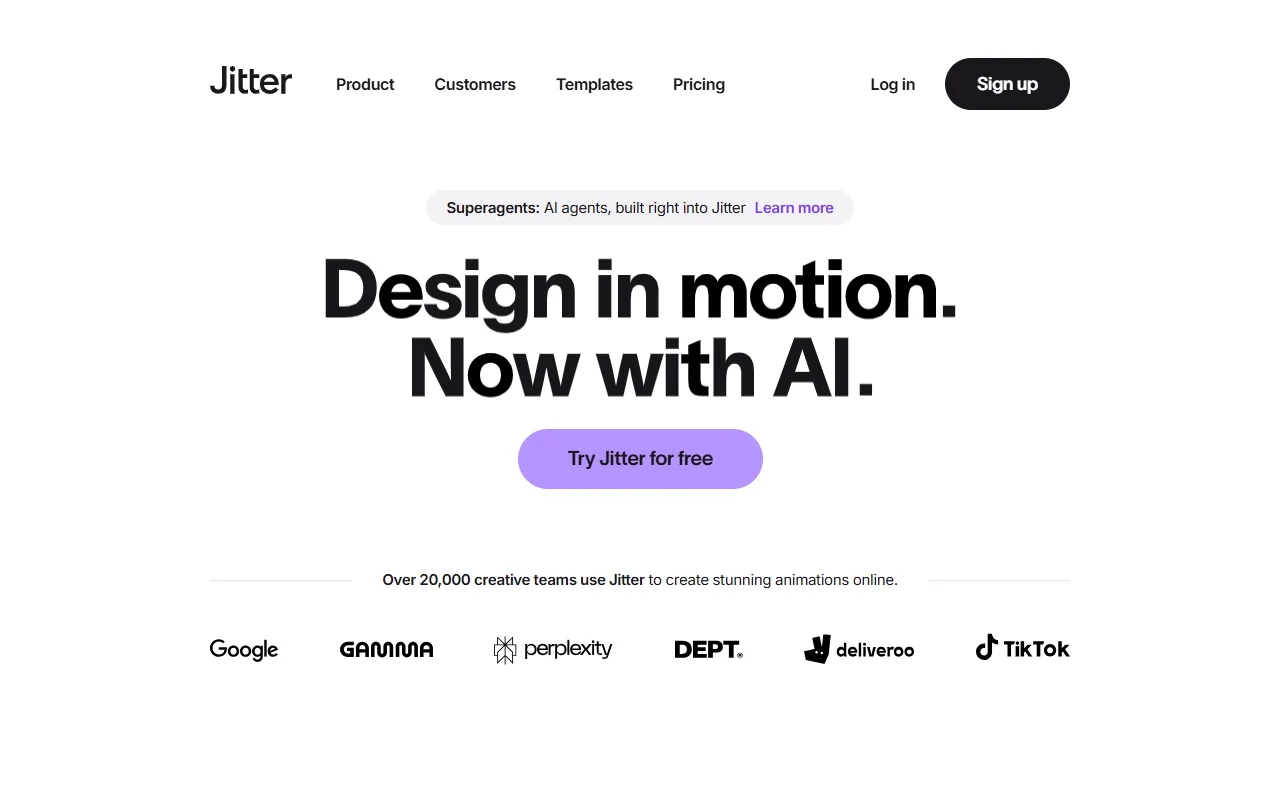
Jitter is a motion design tool that runs in the browser. Designers use it to make animated graphics, posters and short videos without installing a desktop app.
What it does
The tool offers a timeline with layers, so each element can move on its own schedule. Teams can collaborate in a shared workspace, and designs can be imported from Figma. Ready-made templates cover social posts, reels, posters and promos. Finished work can be exported as 4K video, GIF or Lottie. Jitter also offers AI agent features for building animation with prompts.
Key features
- Import designs from Figma
- Export to 4K video, GIF and Lottie
- Shared collaboration in one workspace
- Ready-made animation templates
- AI agent features for motion
Who it's for
Designers, agencies and creative teams that make social media motion, product promos and posters are the main audience. People with little animation experience can start from a template and change it.
Pricing and good to know
The site offers a Try Jitter for free option, and paid plans are listed on the pricing page. Because it runs in the browser, work depends on a stable connection. Large templates with many layers may need time to load on slower machines.
Highlights
- Import designs from Figma
- Timeline with layers and keyframes
- Export to 4K video, GIF and Lottie
- Shared workspace for teams
- Ready-made templates for social posts