
About ScreenPal
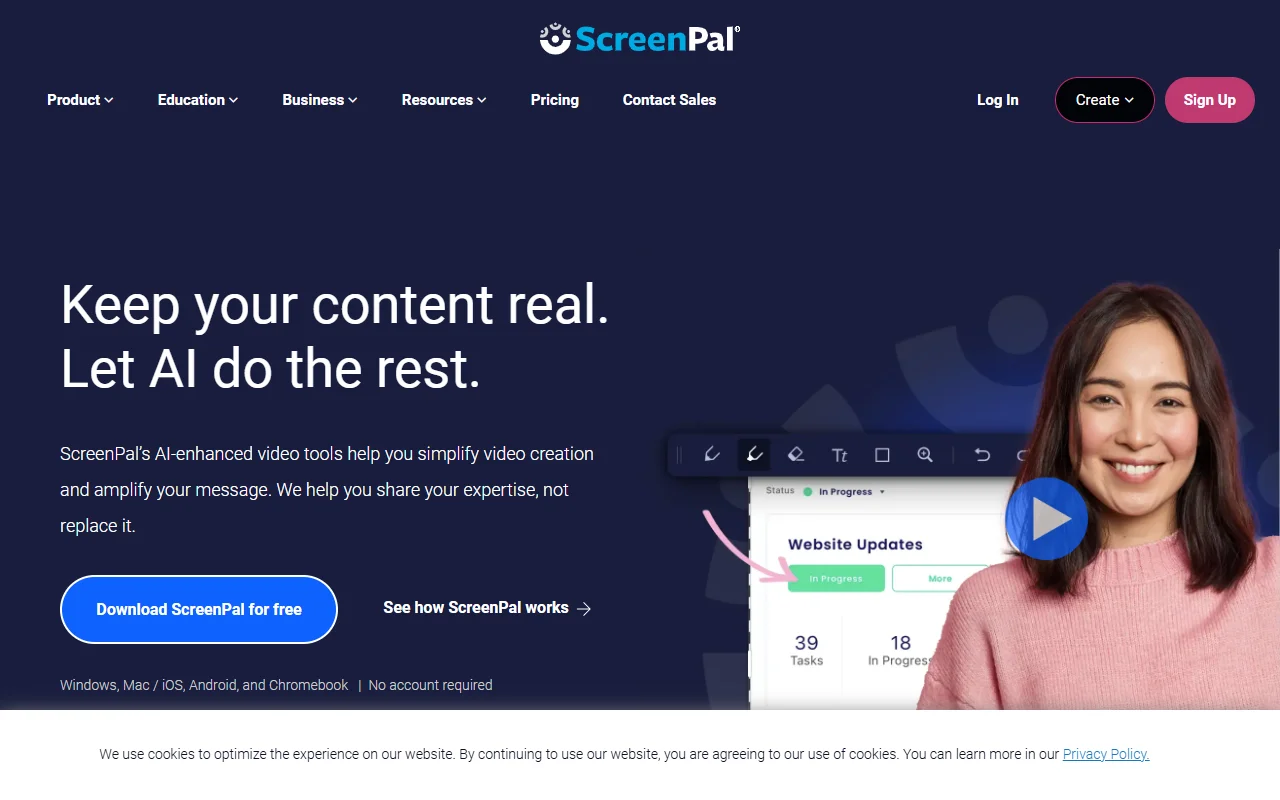
ScreenPal is a screen recorder and video editor for making and sharing videos. It is used by educators, students and businesses that want to explain ideas on screen.
What it does
You record your screen, your webcam, or both, then trim and cut the clip and add text, overlays and music. AI tools can create captions, chapters and summaries, and can translate videos into many languages with voiceovers. Videos can be hosted in the cloud, shared with a link, or embedded on a site, and the platform tracks views. Interactive buttons and quizzes add questions to a video.
Key features
- Record your screen, webcam or both
- Trim, cut and add text and music
- Auto captions, chapters and summaries
- Quizzes and buttons in interactive videos
- Translate videos into 100+ languages
Who it's for
ScreenPal suits teachers, students and trainers who make short lessons, product demos or feedback videos. Businesses that share how-to content also use it to host videos for their team.
Pricing and good to know
The app can be downloaded for free and needs no account to start, and paid plans add more features and hosting. It runs on Windows, Mac, iOS and Android. Video hosting and translation depend on your plan, so check the limits before you publish a large library.
Highlights
- Record your screen, webcam or both
- Trim, cut and add text and music
- Auto captions, chapters and summaries
- Quizzes and buttons in interactive videos
- Translate videos into 100+ languages