
About Page Flows
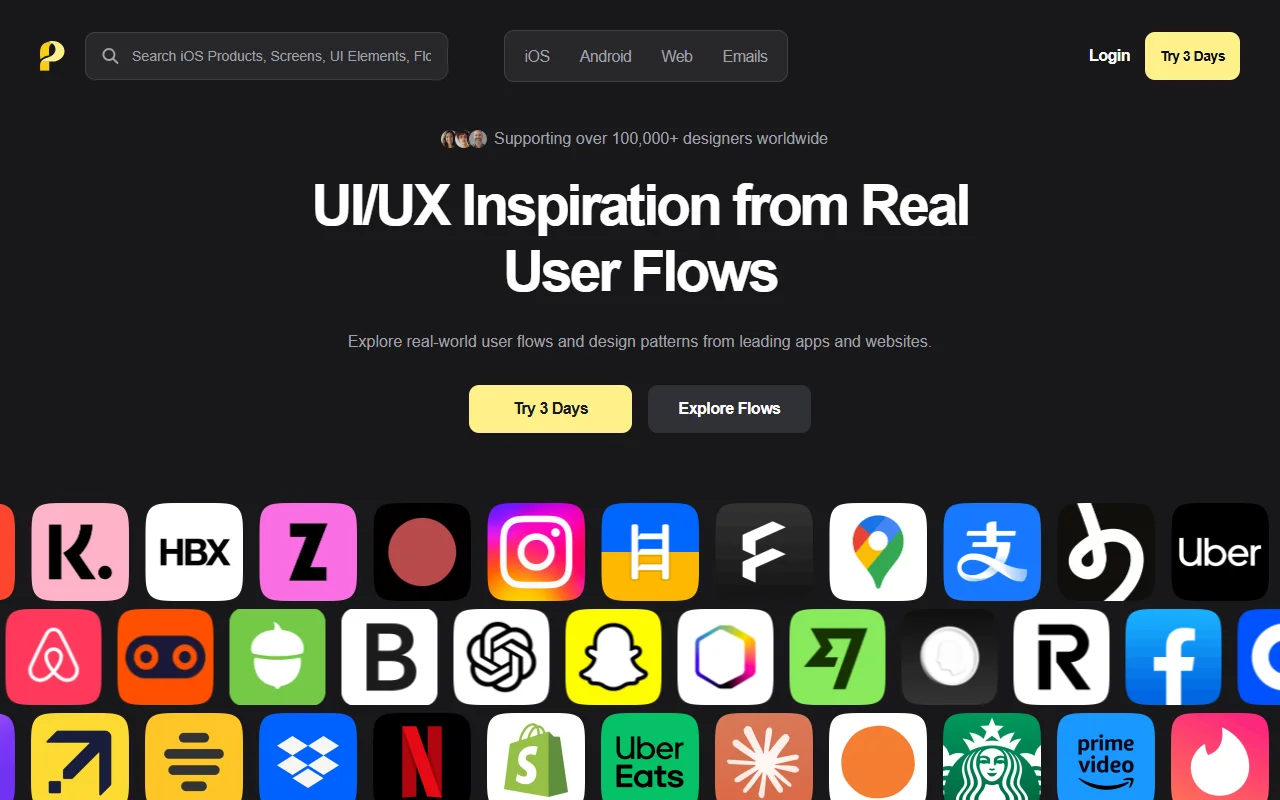
Page Flows is a library of recorded user flows from apps and websites. It shows how real products guide people through tasks such as signing up, paying or searching.
What it does
You browse screen recordings of user flows and watch each step with annotations that explain the design choices. Flows can be filtered by category, industry and UX pattern, so you can find the examples you need. The library is meant for research and for checking how a flow is built before you design your own.
Key features
- Recorded user flows from apps and websites
- Step-by-step annotations on each screen
- Filter by category, industry and UX pattern
- Examples for onboarding, login and checkout
Who it's for
Page Flows suits product designers, UX researchers and product managers who want to see how a flow works in a real product. It is also useful for developers who want to understand common patterns before they build a feature.
Pricing and good to know
The site offers a three-day trial, and the library is paid after that. Check the pricing page for current plans. Recordings show how a product looked when recorded, so they may change over time, and they are references to study rather than assets to reuse.
Highlights
- Watch recorded user flows from apps and websites
- Read annotations on each step of a flow
- Filter flows by category, industry and pattern
- Study examples for onboarding, login and checkout