
About git-annex
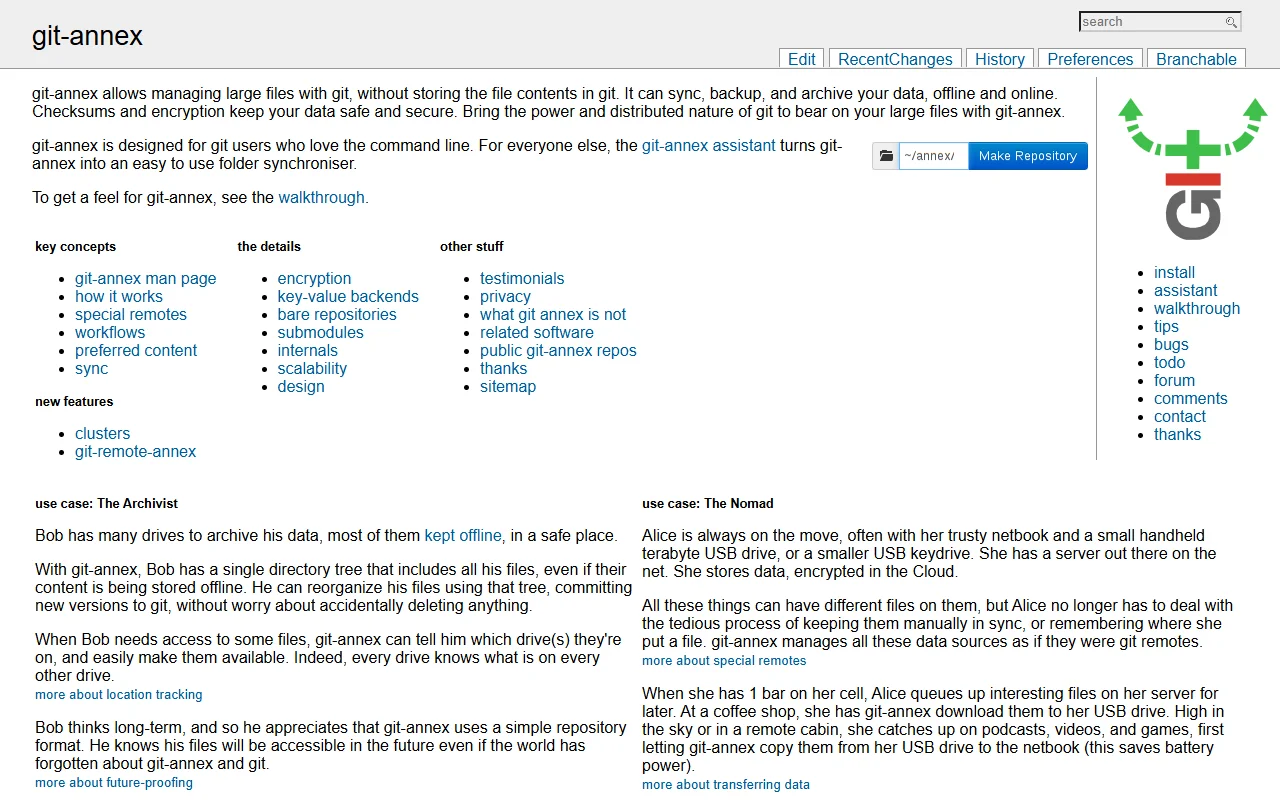
git-annex lets you manage large files with Git without putting their contents into the Git history. It can sync, back up and archive your data, both online and offline.
What it does
You keep a folder tree in Git, while the file contents are stored separately and tracked by git-annex. It records where each copy of a file lives, so it can tell you which drive holds a file. Checksums and encryption options help protect stored data. Scheduled jobs can add new files to archival drives, and the assistant can keep a folder in sync.
Key features
- Large file contents kept outside Git history
- Tracks where each copy of a file is
- Checksums to verify stored data
- Encryption options for storage
- Assistant that keeps a folder in sync
Who it's for
git-annex suits people with many drives or large media collections, such as archivists and backup-minded users. It is designed for command line users, though the assistant offers a simpler folder sync.
Pricing and good to know
git-annex is free software. Setup and daily use need some knowledge of Git, and the walkthrough on the project site is a good place to start. The site describes its design, key concepts and the special remotes it supports.
Highlights
- Keeps large file contents out of Git history
- Tracks which drive holds each file
- Checks stored data with checksums
- Syncs folders with a background assistant