
About Eclipse Che
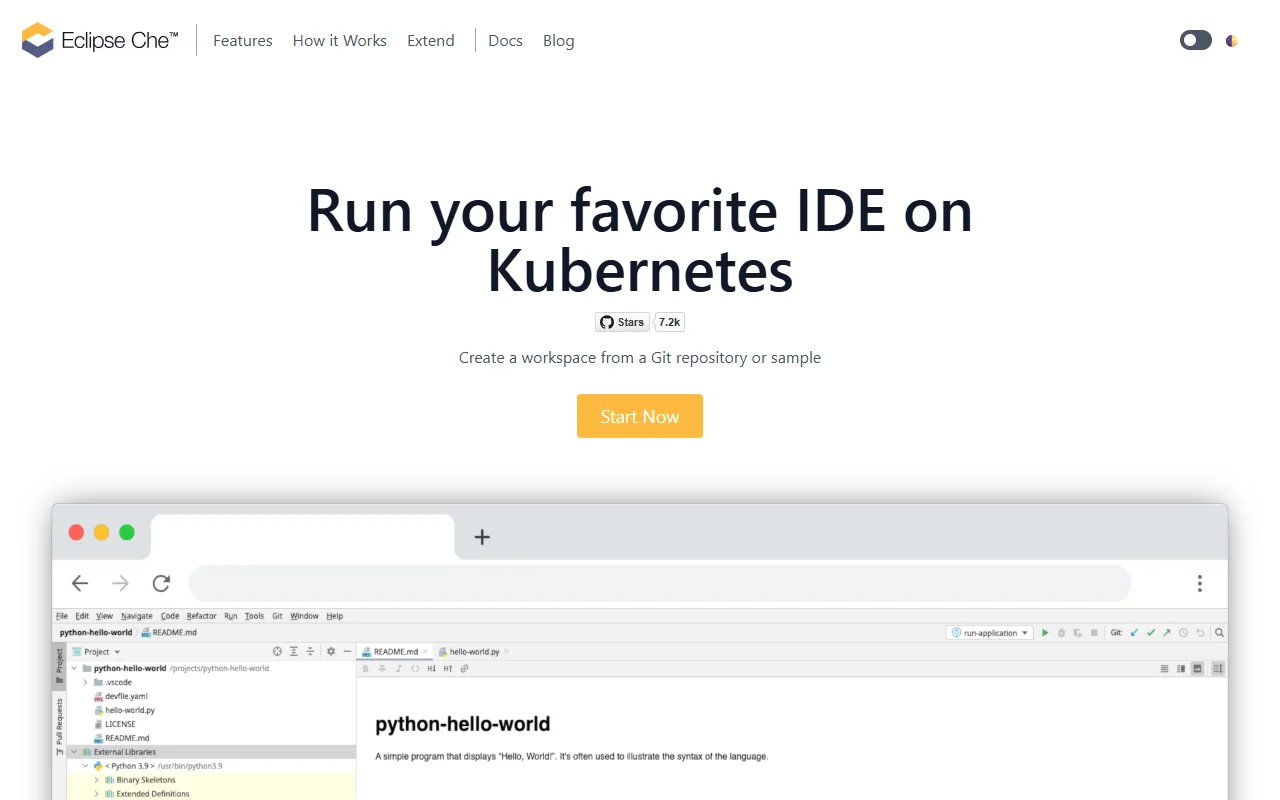
Eclipse Che is an open source platform for running cloud development workspaces on Kubernetes. You open a workspace in your browser and code there, while the editor runs on the cluster. A new workspace can be set up straight from a Git repository.
What it does
Che starts a development workspace on a Kubernetes cluster and gives you an IDE in a browser tab. The workspace is defined in the Devfile format, which is stored alongside your code. You can switch the IDE, for example between Visual Studio Code and JetBrains IDEs, while the project stays the same. You can use the hosted online service run by Red Hat, or install Che on your own cluster.
Key features
- Create a workspace from a Git repository
- Run the editor on Kubernetes pods
- Workspace setup defined in a Devfile
- Choose between VS Code and JetBrains IDEs
- Access the Kubernetes API from inside the IDE
Who it's for
- Platform and DevOps teams that already run Kubernetes
- Teams that want the same setup for every developer
Pricing and good to know
Che is open source under the EPL-2.0 license. A hosted version is available online, and the project can also be installed on your own Kubernetes cluster. Running it yourself means you manage the cluster, so it suits teams with some Kubernetes experience. On the developer side, a browser is the only thing you need.
Highlights
- Open a full IDE in a browser tab
- Start a workspace from a Git repository
- Define the workspace in a Devfile stored with the code
- Switch between VS Code and JetBrains IDEs
- Run workspaces on your own Kubernetes cluster