
About code-server
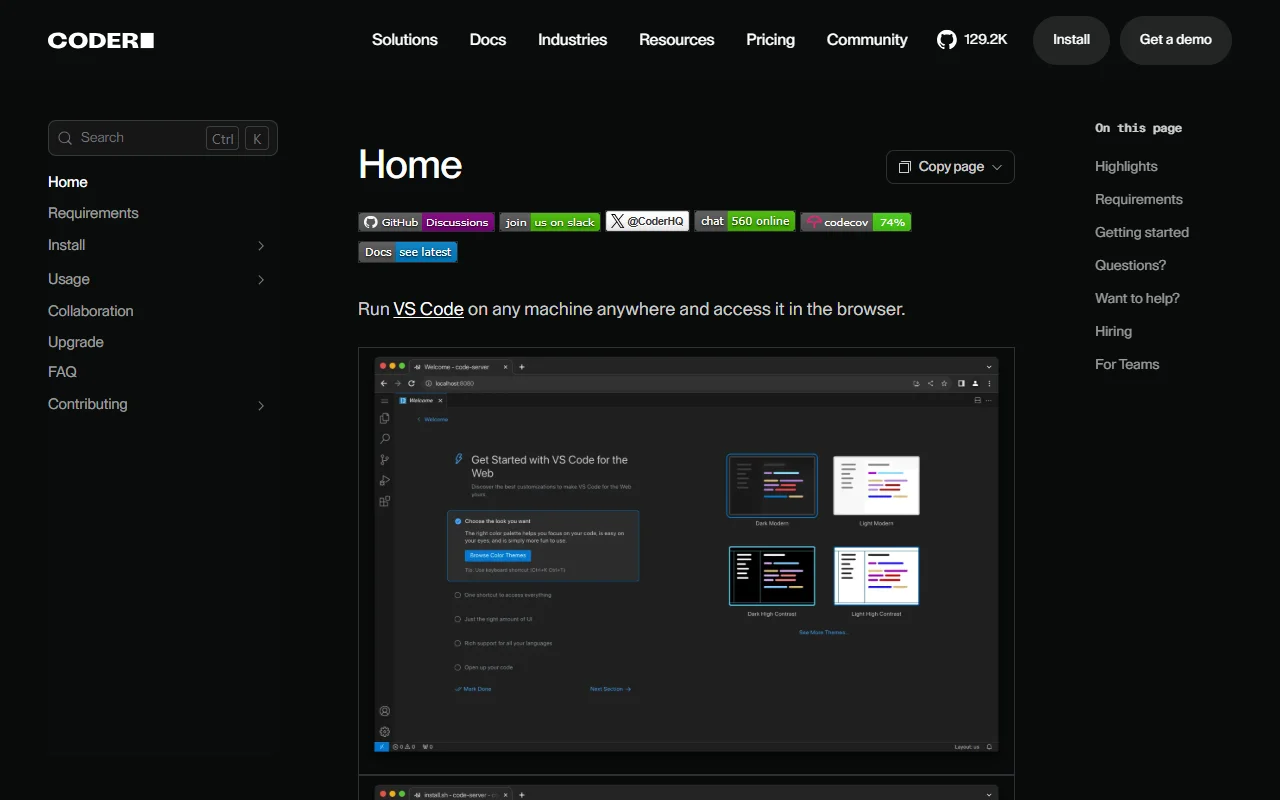
code-server runs Visual Studio Code on a remote machine and lets you use it in any web browser. Your code, extensions and compute stay on the server, so a light laptop or tablet can handle heavy work.
What it does
You install code-server on a Linux machine, then open its address in a browser to get the editor. Builds, tests and downloads run on the server rather than on your device. Teams can also deploy it for shared development environments through Coder, the company behind the project.
Key features
- Full VS Code editor running in a browser tab
- Heavy builds and tests run on the server
- Install script with a dry-run preview
- Works with devcontainers
- Deploy to a team with Coder
Who it's for
Developers who want the same setup on any device, and teams that want shared remote workspaces on their own infrastructure. It suits people who are comfortable running and maintaining a Linux server.
Pricing and good to know
code-server is open source under the MIT license. The minimum requirement is a Linux machine with WebSockets enabled, 1 GB of RAM and 2 vCPUs. Coder offers a separate product for managing development environments for teams.
Highlights
- Full VS Code editor running in a browser tab
- Heavy builds and tests run on the server
- Install script with a dry-run preview
- Works with devcontainers
- Deploy to a team with Coder