
About Android Studio
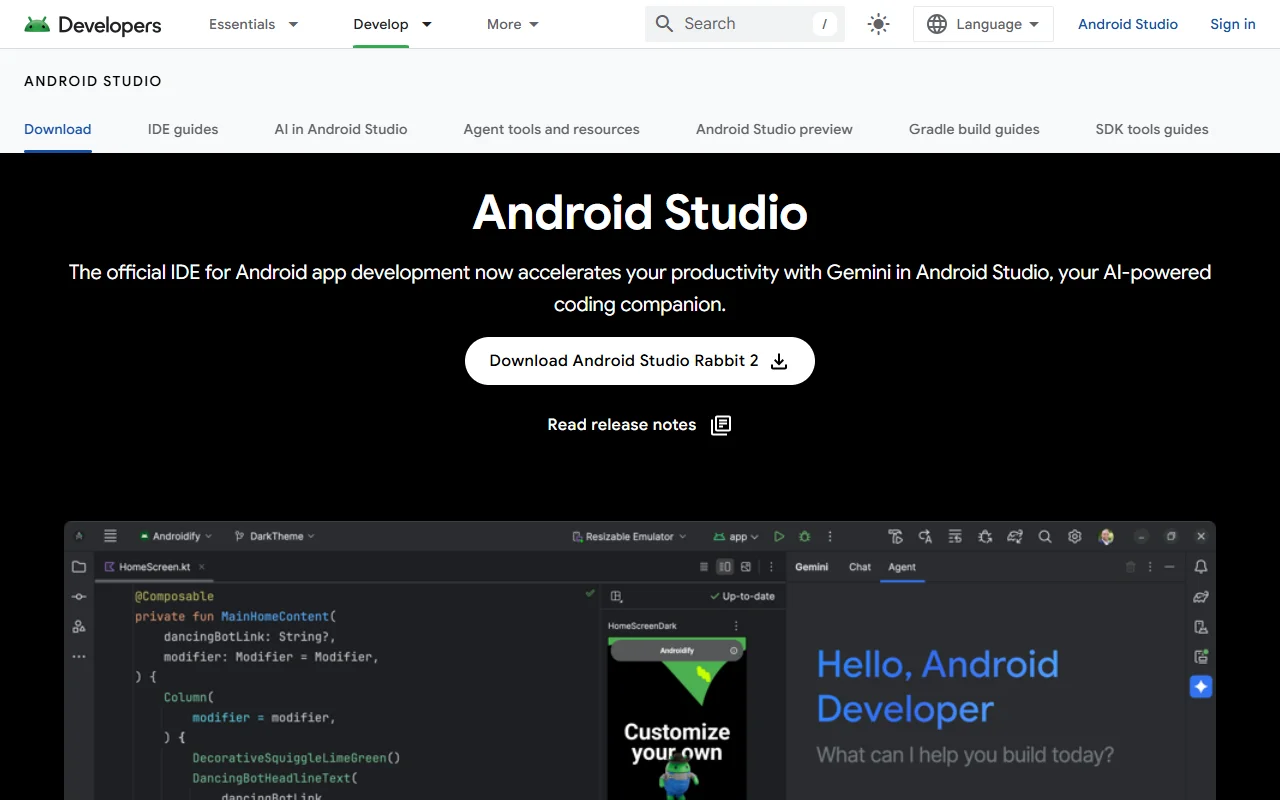
Android Studio is Google's official integrated development environment for building Android apps. It brings the code editor, emulator, build system and design tools into one desktop app.
What it does
Android Studio is built for writing, testing and publishing Android apps in Kotlin, Java and C/C++. It uses Gradle to build apps with several variants for different devices, and its Build Analyzer helps find slow build steps. Developers can preview Jetpack Compose layouts and test apps on an emulator or on real devices.
Key features
- Code editor with completion for Kotlin, Java and C/C++
- Jetpack Compose previews with Live Edit
- Android Emulator for many device sizes
- Device streaming to run apps on real devices
- Gradle build system with Build Analyzer
Who it's for
Android developers, students and mobile teams who build apps for phones, tablets, foldables, Wear OS, TV and ChromeOS devices. It is the standard starting point for Android development.
Pricing and good to know
Android Studio is free to download and use, and it runs on Windows, macOS and Linux. The emulator and Gradle builds can use a fair amount of memory, so a computer with plenty of RAM helps on larger projects.
Highlights
- Code editor with completion for Kotlin, Java and C/C++
- Jetpack Compose previews with Live Edit
- Android Emulator for many device sizes
- Device streaming to run apps on real devices
- Gradle build system with Build Analyzer