About Bravo Studio
Bravo Studio turns Figma designs into native iOS and Android apps. The goal is to ship the design as it was drawn, rather than having engineers rebuild each screen by hand.
What it does
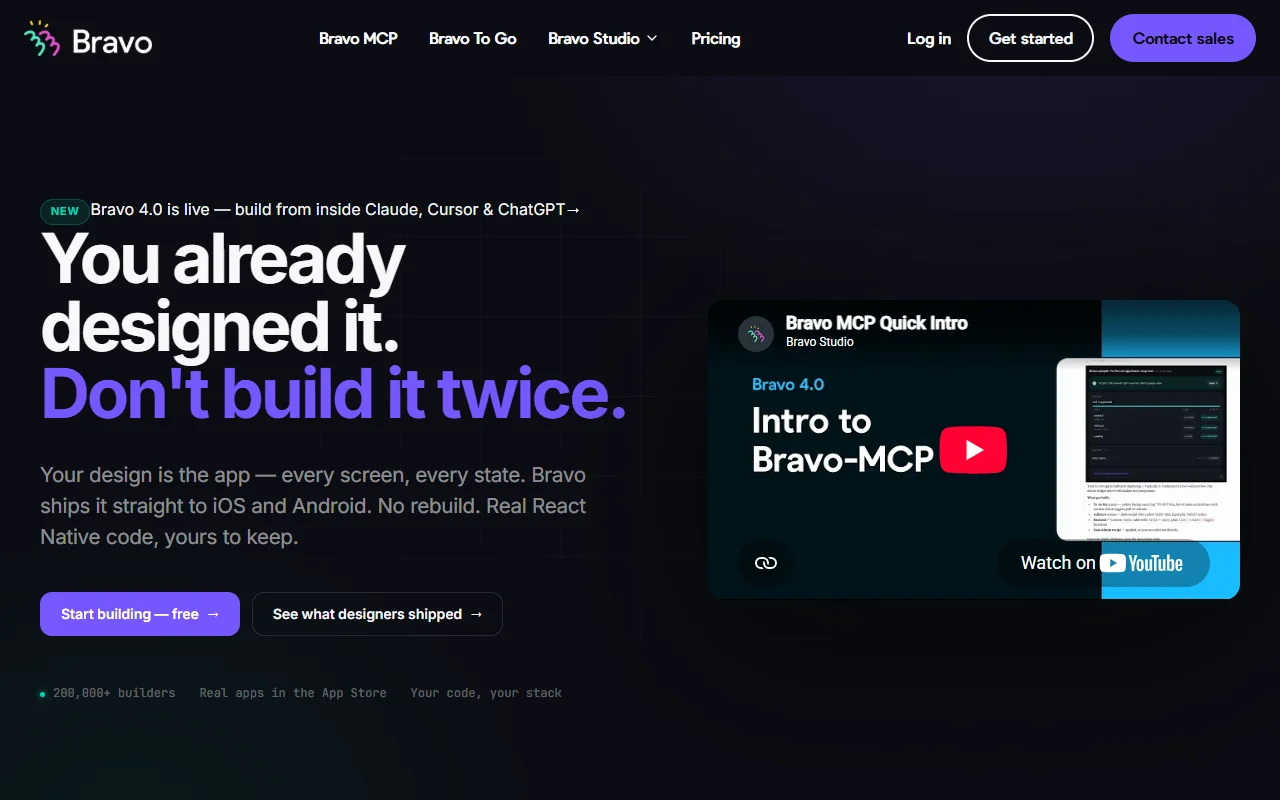
You design in Figma, then use Bravo Studio to build the app and preview it on a phone. The output is React Native code that you own. Bravo also offers an MCP integration, so you can build from inside Claude, Cursor or ChatGPT. When the app is ready, Bravo can produce a signed build for the App Store. A done-for-you option, Bravo To Go, is offered for a fee.
Key features
- Import Figma designs as working app screens
- Preview the app on a phone while building
- Build from Claude, Cursor or ChatGPT through MCP
- Generates React Native code you can keep
Who it's for
Product designers and small teams who want their design files to become the app without a long rebuild. Designers who work with an engineer on code will also find the output familiar.
Pricing and good to know
The homepage says you can start building for free. Paid Studio plans are not priced in the text reviewed. The concierge service, Bravo To Go, starts from 999 euros on the page. Results depend on how well the Figma file is organized, so plan for some cleanup.
Highlights
- Import Figma designs as working app screens
- Preview the app on a phone while building
- Build from Claude, Cursor or ChatGPT through MCP
- Generates React Native code you can keep