About WebAIM Contrast Checker
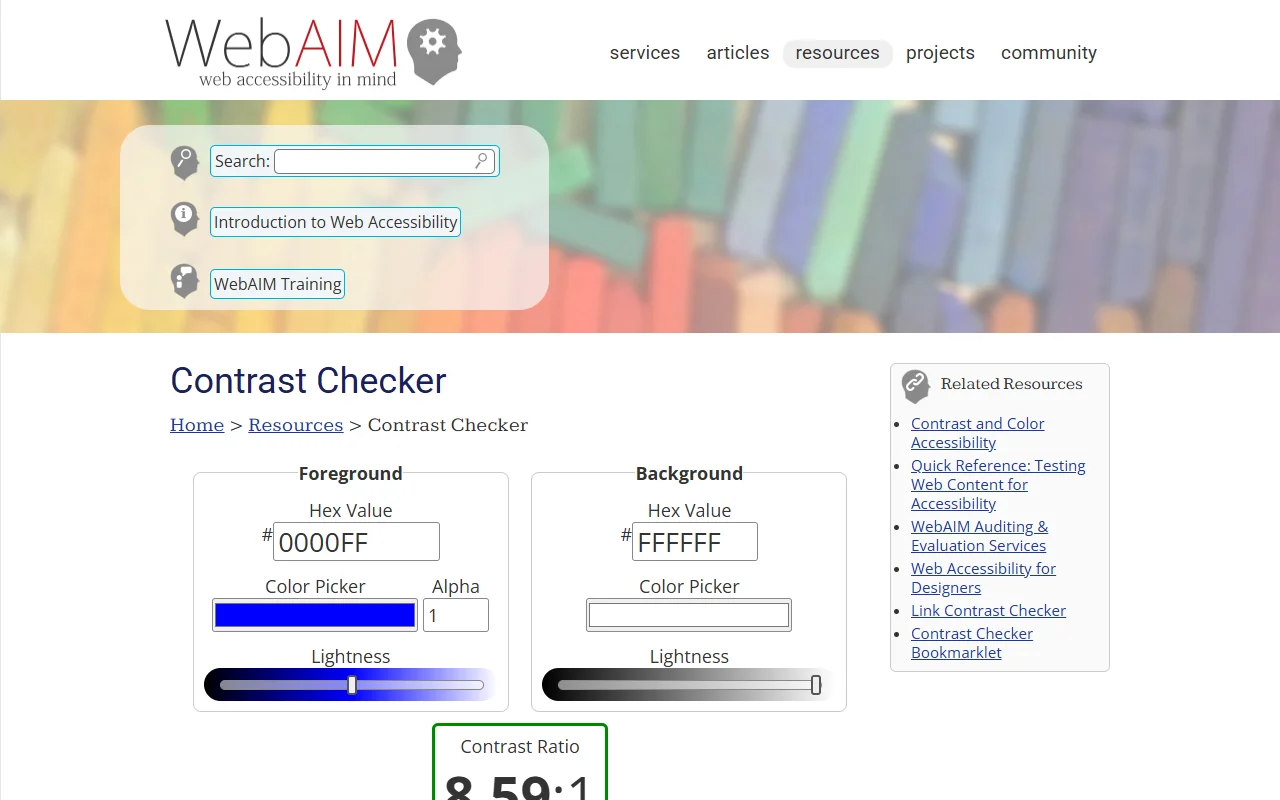
The WebAIM Contrast Checker measures how readable text is against its background color. It reports the contrast ratio and tells you whether the pair meets the WCAG accessibility levels.
What it does
You enter a foreground and a background color as hex values or pick them with a color picker. The tool calculates the contrast ratio and shows pass or fail results for normal text, large text and graphical elements. It also shows sample text so you can see how the colors look together.
Key features
- Check the contrast ratio between two colors
- See pass or fail for WCAG AA and AAA levels
- Preview normal and large text samples
- Test graphics and interface components
- Get the result as JSON using a permalink parameter
Who it's for
The checker suits designers, front end developers and content editors who want to make sites easier to read. Accessibility teams use it during reviews of color choices.
Pricing and good to know
The tool is free to use in the browser. It checks color pairs one at a time, so it does not audit a full page on its own. Contrast is one part of accessibility, so pair the result with other tests and with real checks for keyboard use and screen readers.
Highlights
- Check the contrast ratio of two colors
- See pass or fail for WCAG AA and AAA
- Preview normal and large text samples
- Test graphics and interface components
- Get results as JSON using a permalink