
About Wave Terminal
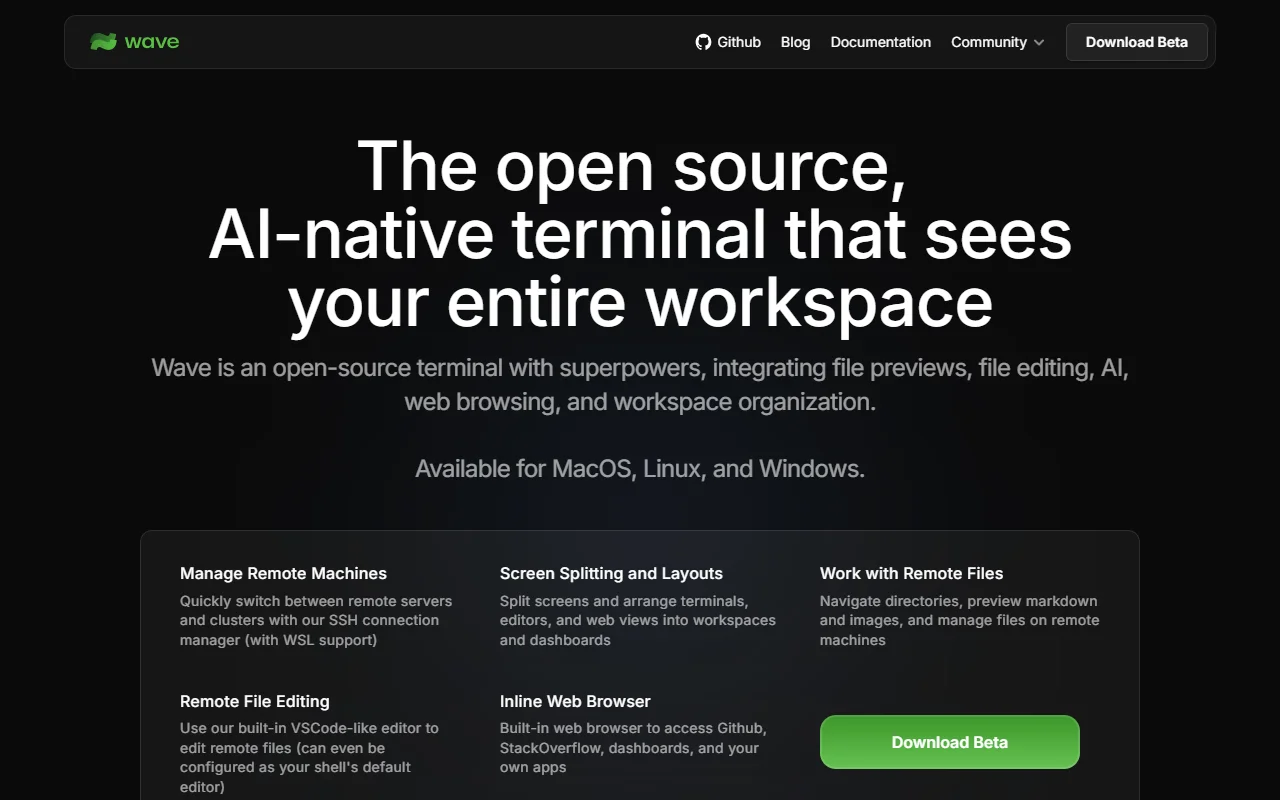
Wave Terminal is an open source terminal that puts file previews, a code editor, web browsing and AI features next to your shell. It is built for people who switch between many tools while working on a machine.
What it does
Wave combines a terminal with other views in one window. You can split the screen into panes for terminals, editors and web pages, and organize them into workspaces. It connects to remote servers over SSH, and lets you browse and edit files on those machines. Your data is stored on your own computer, and no account is needed to start.
Key features
- Preview images, markdown, CSV files and more
- Edit remote files with a built-in code editor
- Split screens into terminals, editors and web views
- Connect to remote machines with an SSH manager
- Build custom dashboards with HTML widgets
Who it's for
Developers and operators who manage remote servers or work across many terminals will find the layouts useful. Teams that want to share dashboard layouts with coworkers are another group it suits.
Pricing and good to know
Wave is open source under the Apache 2.0 license. The site labels its downloads as beta, and it is offered for macOS, Linux and Windows. Its data stays local, so nothing sensitive leaves your network unless you send it there yourself.
Highlights
- Preview images, markdown and CSV in the terminal
- Edit remote files with a built-in editor
- Split screens into terminals and web views
- Connect to remote machines over SSH
- Build dashboards with HTML widgets