About DB Browser for SQLite
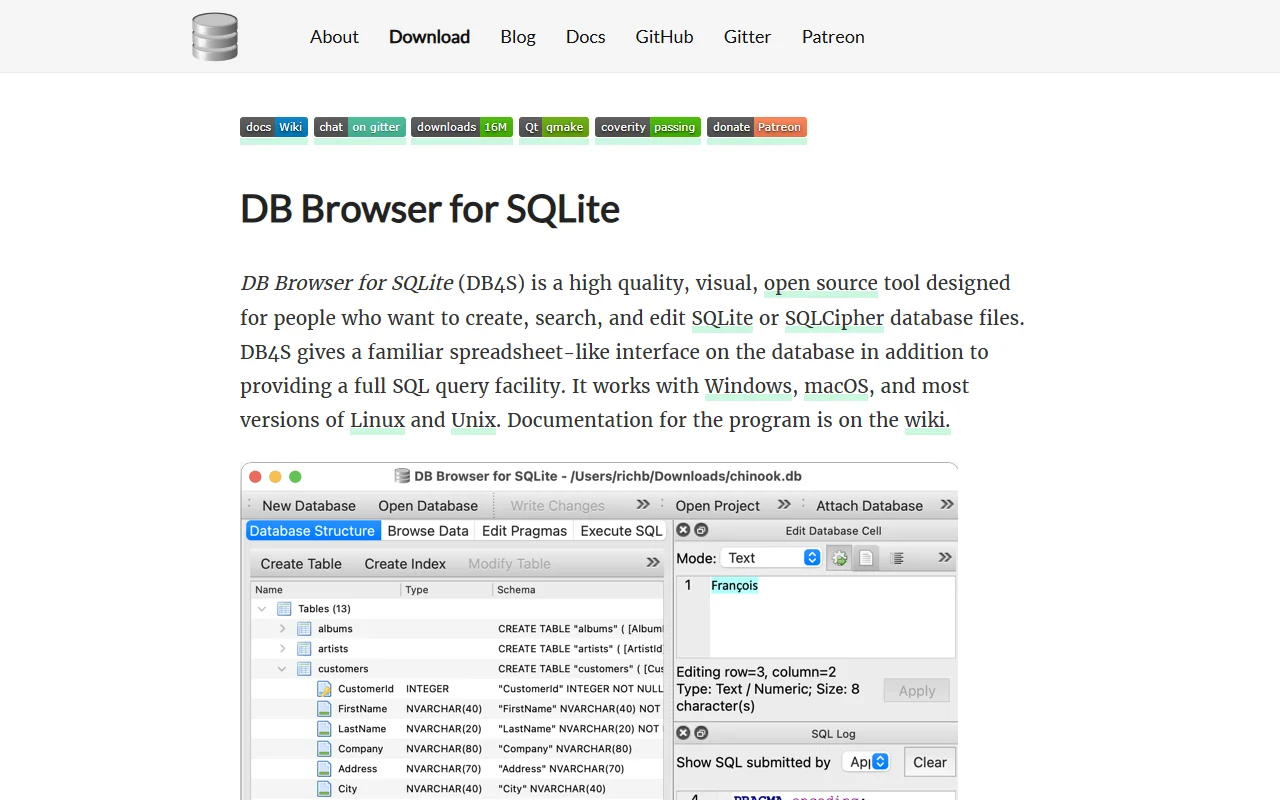
DB Browser for SQLite is a visual tool for creating and editing SQLite and SQLCipher database files. It gives you a spreadsheet-style view of your data.
What it does
DB Browser for SQLite lets you create tables, indexes and views, then browse, edit, add, delete and search records. You can run SQL queries and inspect the results, and a log shows every SQL command the app has issued. Data can be imported and exported as CSV and SQL dump files. The app also plots simple graphs from tables or query results and can add or remove SQLCipher encryption from a database file. It is designed for people who want a familiar interface instead of working only in the command line.
Key features
- Create and edit tables and indexes
- Run SQL queries with results view
- Import and export CSV and SQL dumps
- Plot simple graphs from data
- Add or remove SQLCipher encryption
Who it's for
Developers, data analysts and students who work with SQLite files. It suits people who prefer a visual interface to the command line for everyday database work.
Pricing and good to know
DB Browser for SQLite is open source and free to download. It runs on Windows, macOS and most versions of Linux and Unix. Nightly builds are published but are not guaranteed to be reliable, so use the official releases for important work. Documentation is kept on the project wiki. Back up any database before making structural changes.
Highlights
- Create and edit tables and indexes
- Run SQL queries with results view
- Import and export CSV and SQL dumps
- Plot simple graphs from data
- Add or remove SQLCipher encryption