About Monaco Editor
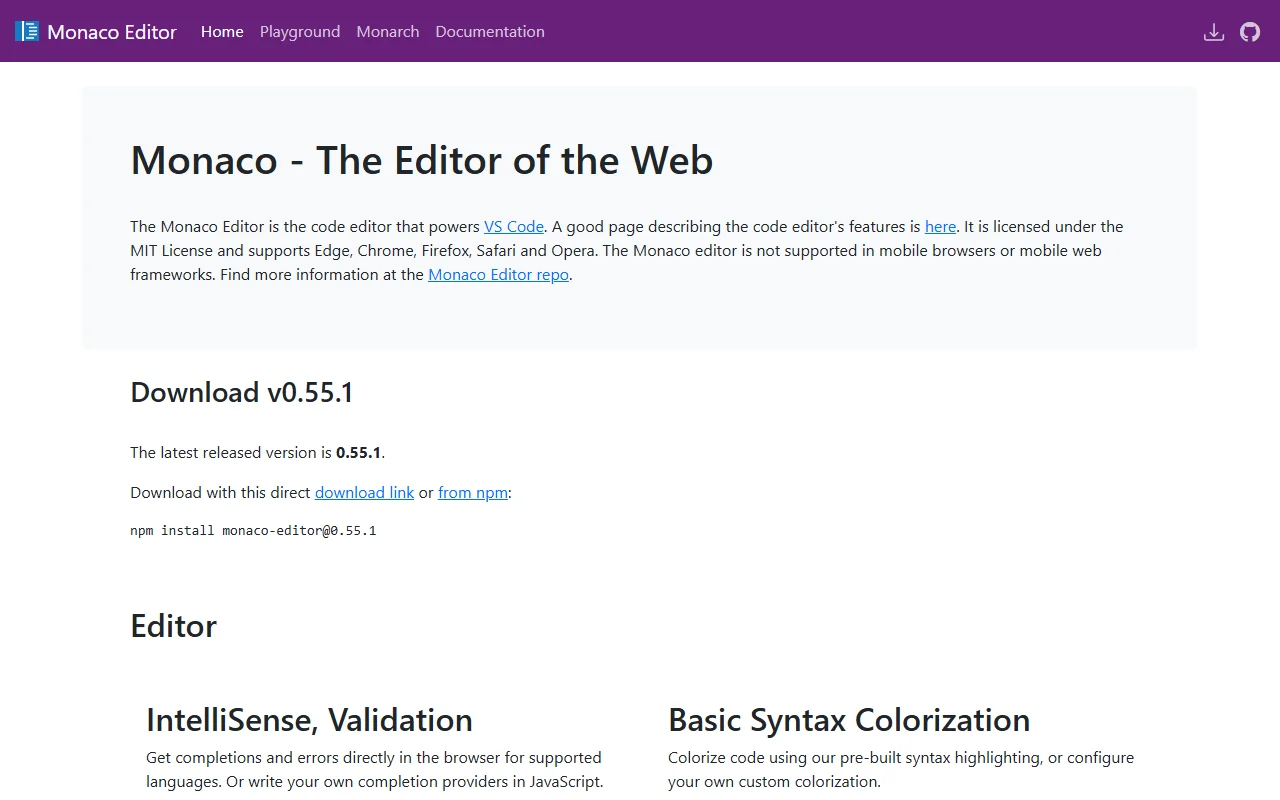
Monaco Editor is the code editor that powers VS Code, packaged for use in web pages. It is open source and licensed under the MIT License.
What it does
You add Monaco to a page and it gives you code editing with syntax colors, IntelliSense for supported languages and error checking. Many languages are included, and you can add your own completion providers and colorization rules in JavaScript. Themes such as Visual Studio Dark and High Contrast come with it.
Key features
- Syntax highlighting for many languages
- IntelliSense and error checks in the browser
- Custom completion providers written in JavaScript
- Built-in themes including high contrast
- Monarch tokenizer for custom language colors
Who it's for
Developers building online IDEs, code playgrounds, configuration editors or admin tools that need a familiar code editing experience.
Pricing and good to know
Monaco Editor is open source under the MIT license and free to use. It is not supported in mobile browsers, so design for desktop use. Downloads are available from npm, and the project publishes a playground for trying the editor.
Highlights
- Syntax highlighting for many languages
- IntelliSense and error checks in the browser
- Custom completion providers in JavaScript
- Built-in themes including high contrast
- Monarch tokenizer for custom colors