
About LM Studio
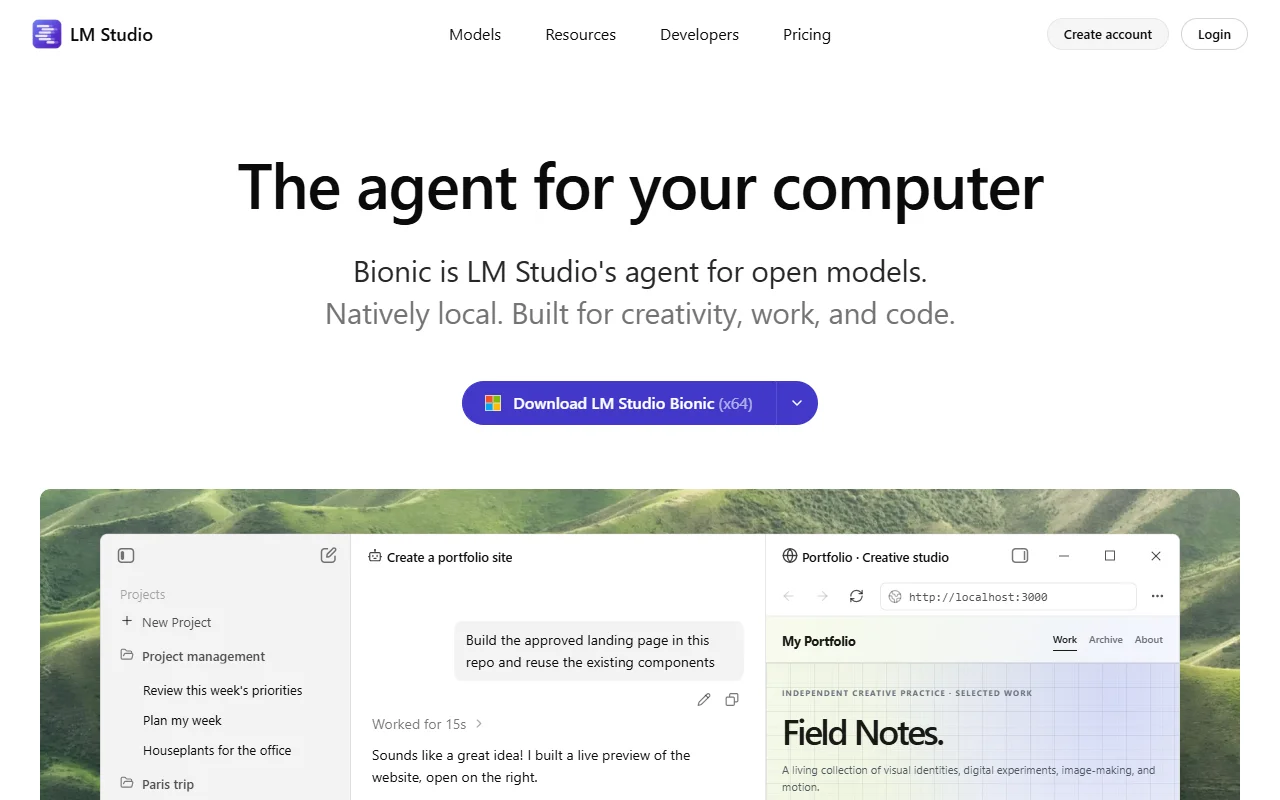
LM Studio is a desktop app for downloading and running open AI models on your own computer. Its Bionic agent can also help with documents, code and computer tasks.
What it does
You browse and download models inside the app, then chat with them or serve them to other tools. The runtime uses MLX and llama.cpp under the hood. Bionic adds an agent that can create and edit documents, help with coding and automate some computer tasks, while your changes are saved as you go.
Key features
- Download local models inside the app
- Chat with models in a desktop window
- Bionic agent for documents and code
- Voice transcription processed on the device
- Option to run larger hosted open models
Who it's for
- Users who want private chat on their own computer
- Developers testing local models before deployment
- Writers and analysts who want a local assistant for documents
Pricing and good to know
Local models run on your own hardware, so speed depends on your processor, graphics card and memory. The site describes its cloud services as zero data retention. Some of the features shown on the site are tied to the Bionic agent, so review its docs to see what your version includes.
Highlights
- Download local models inside the app
- Chat with models in a desktop window
- Edit documents with the Bionic agent
- Transcribe speech on the device
- Run larger hosted open models when needed