
About Kimi
Kimi is an AI chat assistant from Moonshot AI, built to handle long inputs and multi-step tasks. You can ask questions, work on documents or code, and use agent-style tools for larger jobs.
What it does
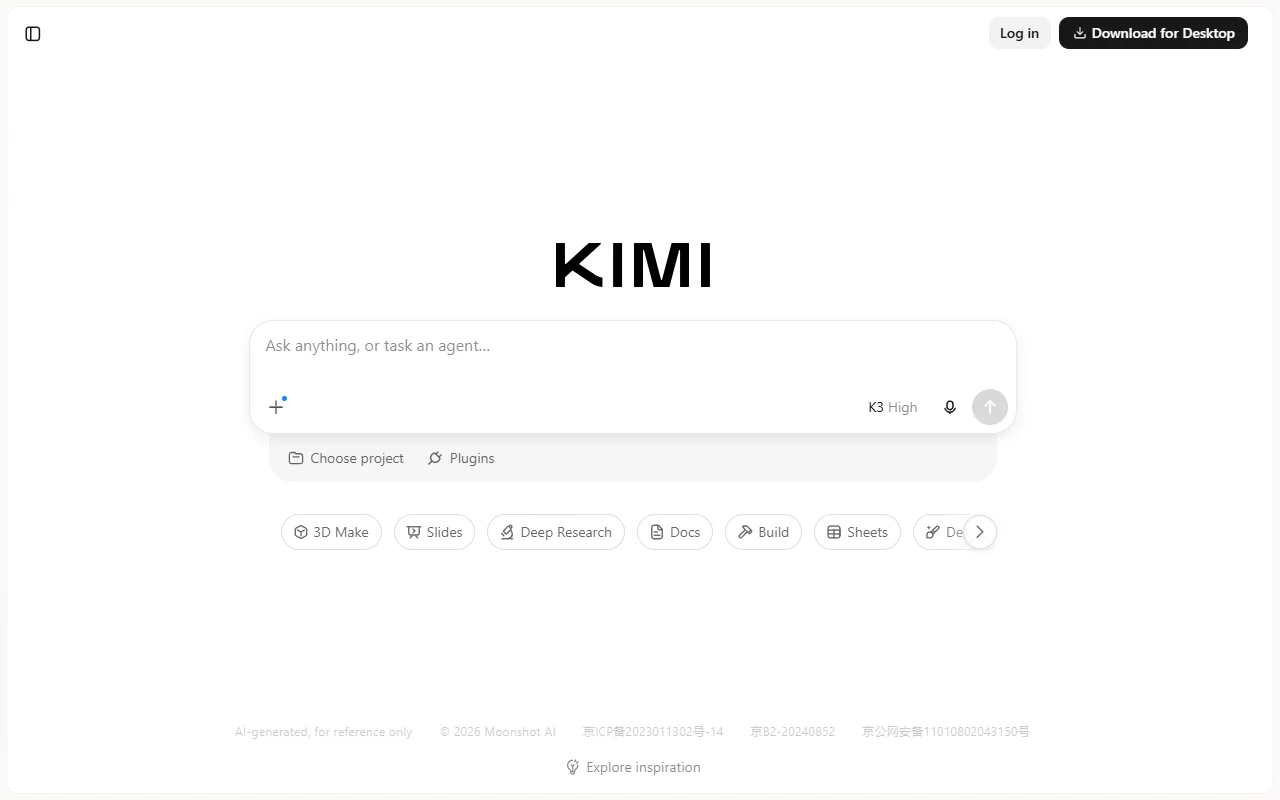
Kimi works in a chat window and offers modes for specific tasks, such as deep research, document work, slides and spreadsheets. Its long context window lets you add large material and ask questions about the whole of it. A project area groups related chats together.
Key features
- Long context for large inputs
- Deep research mode
- Create slides and sheets
- Project folders for related chats
- Agent tasks for multi-step work
Who it's for
Students, researchers and developers who work with long documents or large codebases. It also suits people who want an assistant that can produce slides or spreadsheets from a prompt.
Pricing and good to know
Kimi can be used in the browser, and a desktop app is available as a download. Chat history syncs when you log in. Feature access and limits may vary, so check the current terms before you rely on it for regular work.
Highlights
- Long context for large inputs
- Deep research mode
- Create slides and sheets
- Project folders for related chats
- Agent tasks for multi-step work