About Electron
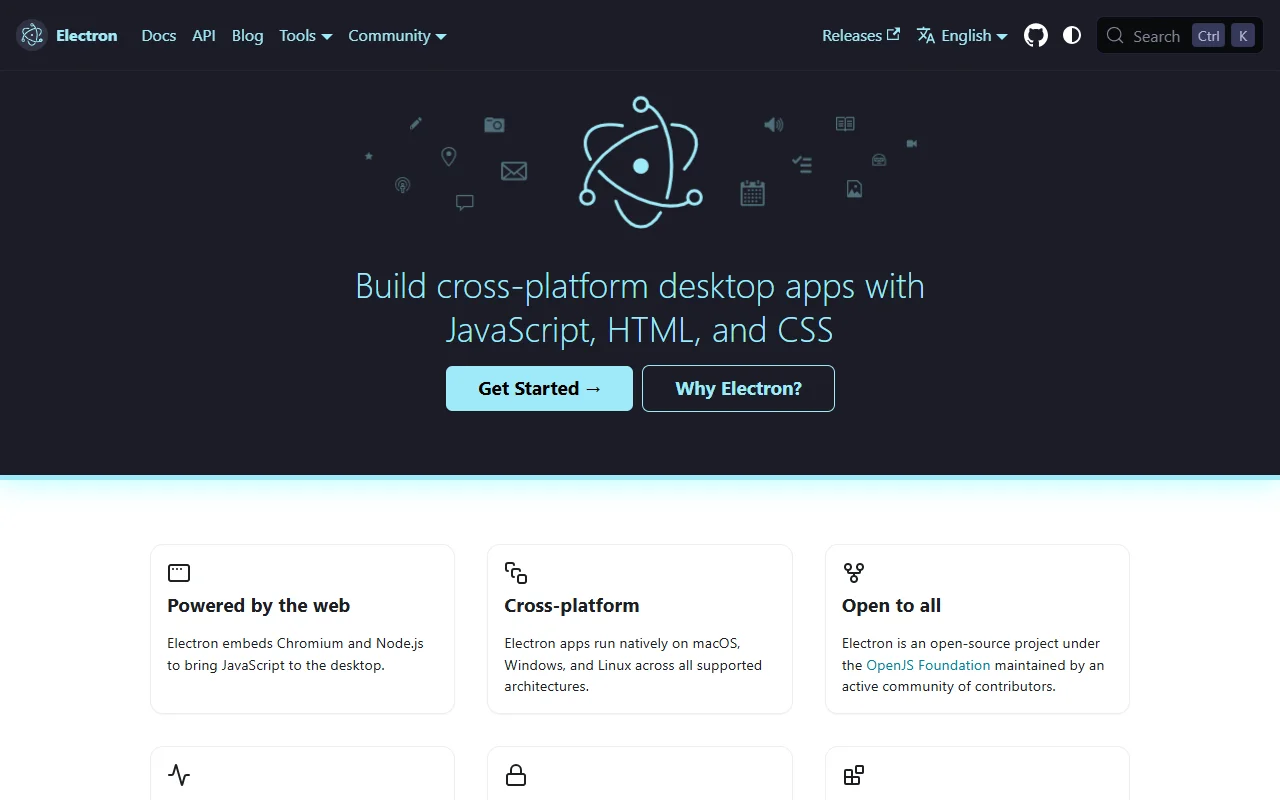
Electron is an open source framework for building desktop apps with JavaScript, HTML and CSS. It combines Chromium and Node.js, so web developers can ship a desktop app with the tools they already use.
What it does
An Electron app runs as a desktop program on macOS, Windows and Linux. The framework gives your code access to operating system features such as native menus, dialogs, notifications and window settings. It includes automatic updates for macOS and Windows, and it works with community tools that create installers for each platform.
Key features
- JavaScript, HTML and CSS for the interface
- Access to the npm package ecosystem
- Native menus, dialogs and notifications
- Automatic updates for macOS and Windows
- Built-in crash reporting
Who it's for
Electron suits web developers who want a desktop version of their product, and small teams that need one codebase for three operating systems. Many well known desktop apps are built on it.
Pricing and good to know
Electron is free and open source under the MIT license. Costs come from code signing, hosting for update files and app store fees if you publish to a store. Each app ships its own copy of Chromium, so installers are larger than those of native apps. New Electron versions follow Chromium releases to keep security fixes current.
Highlights
- Build desktop apps with JavaScript, HTML and CSS
- Use native menus, dialogs and notifications
- Ship automatic updates on macOS and Windows
- Package installers with community tools