
About Cursor
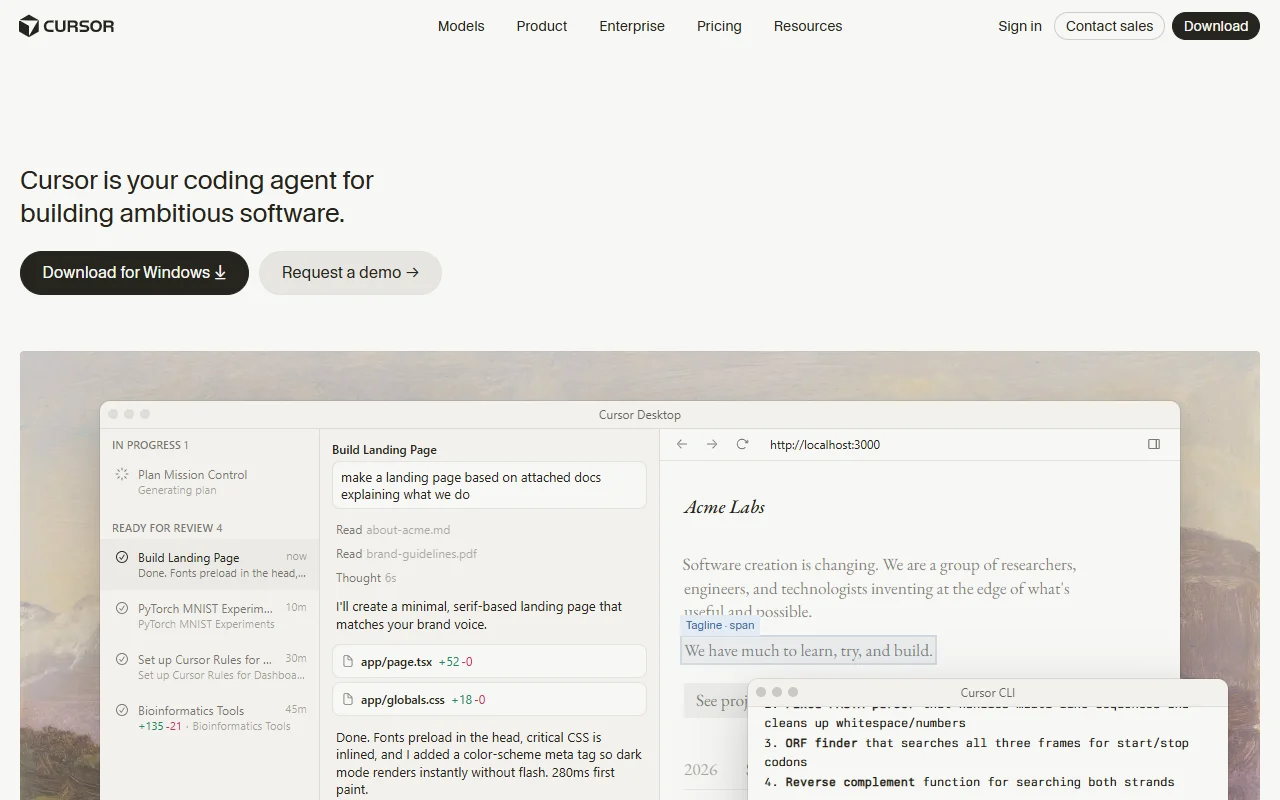
Cursor is an AI code editor for writing, changing and reviewing software with help from AI models and agents. You can ask for edits in your own project, or hand a bigger task to an agent that works on it separately.
What it does
Cursor lets you work on a codebase with an AI assistant built into the editor. You can ask questions about your project, have the assistant make changes across several files, or start a cloud agent that builds a feature, runs tests and shows a demo. It also reviews code changes with AI and lets you choose between several AI models.
Key features
- Cloud agents that build, test and demo features
- AI code reviews for your changes
- Terminal, Slack and GitHub integrations
- Choice of several AI models
- Team controls and security settings for enterprises
Who it's for
Developers and small teams who want an editor that does more than autocomplete. Larger companies can use the enterprise plan for admin tools and security controls.
Pricing and good to know
There is a free plan with limited AI usage and requests. Paid tiers start with Plus at $8 per month and go up for heavier use, and the Teams plan is priced per user from $30 per month. Enterprise pricing is custom. Limits change by plan, so check the current tiers before you roll it out to a team.
Highlights
- Cloud agents that build, test and demo features
- AI code reviews for your changes
- Terminal, Slack and GitHub integrations
- Choice of several AI models
- Team controls and security settings for enterprises